Strangely enough, even some experienced Mac users underestimate the Preview utility, which has been included in the OS X software suite a long time ago. Its name is deceptive: this program has sufficient tools for group editing, including file conversion mode.
Read more: How to Convert Photos to JPG, PNG, GIF, TIFF, BMP on a Mac? In this article we will see here the necessary steps to convert the PNG to JPG as desired with Preview. Convert PNG to JPG on a Mac. Here are the necessary steps to convert PNG to JPG optional with the help of Preview: Run the PNG file in “Preview” application. The primary way to reduce the file size of an image is by increasing the amount of compression. In most image editing applications this is done by the selections you make in the “Save As” or “Export As” dialog box when saving a PNG, JPG, or GIF. The more compression, the smaller the file will be and the faster it will load on a webpage.
How To Save A Png As A Jpeg On Mac File
Run Safari browser on your mac. Drag and drop SVG file to Safari for opening. Then press Shift+Command+4 to take screenshot of the SVG image, it will be saved in PNG format. Open the PNG file with Preview, go to File Export, choose JPEG as the output format. Then click Save to export SVG as JPG on mac. So, which one you will have a try to. Super Vectorizer for Mac could not convert SVG to PNG, JPG to PNG or PNG to JPG on Mac. However, Pixelstyle Photo Editor for Mac does. Pixelstyle Photo Editor is not only a image file converter, it can do a lot more than a svg, png, jpg converter.
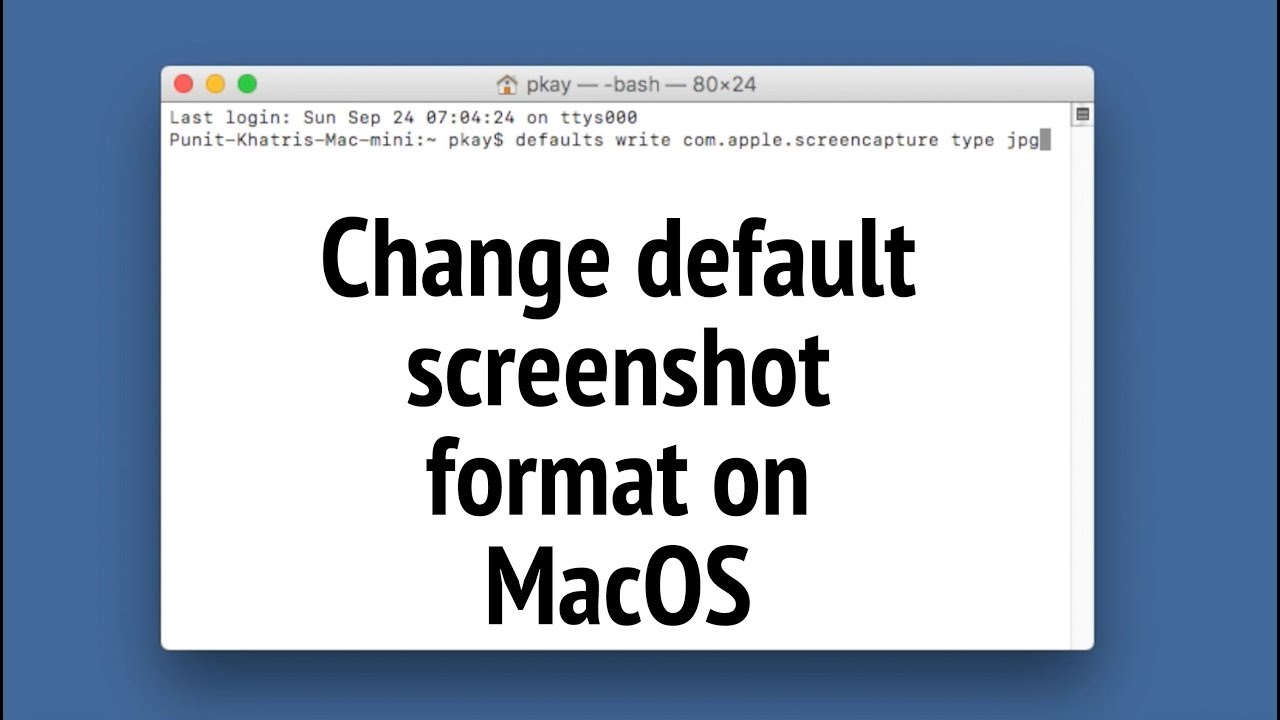
Preview application traditionally does not enjoy the great love of Mac users. And it’s completely in vain, because it can not only display and edit pictures, but one very useful thing – convert them from one format to another.
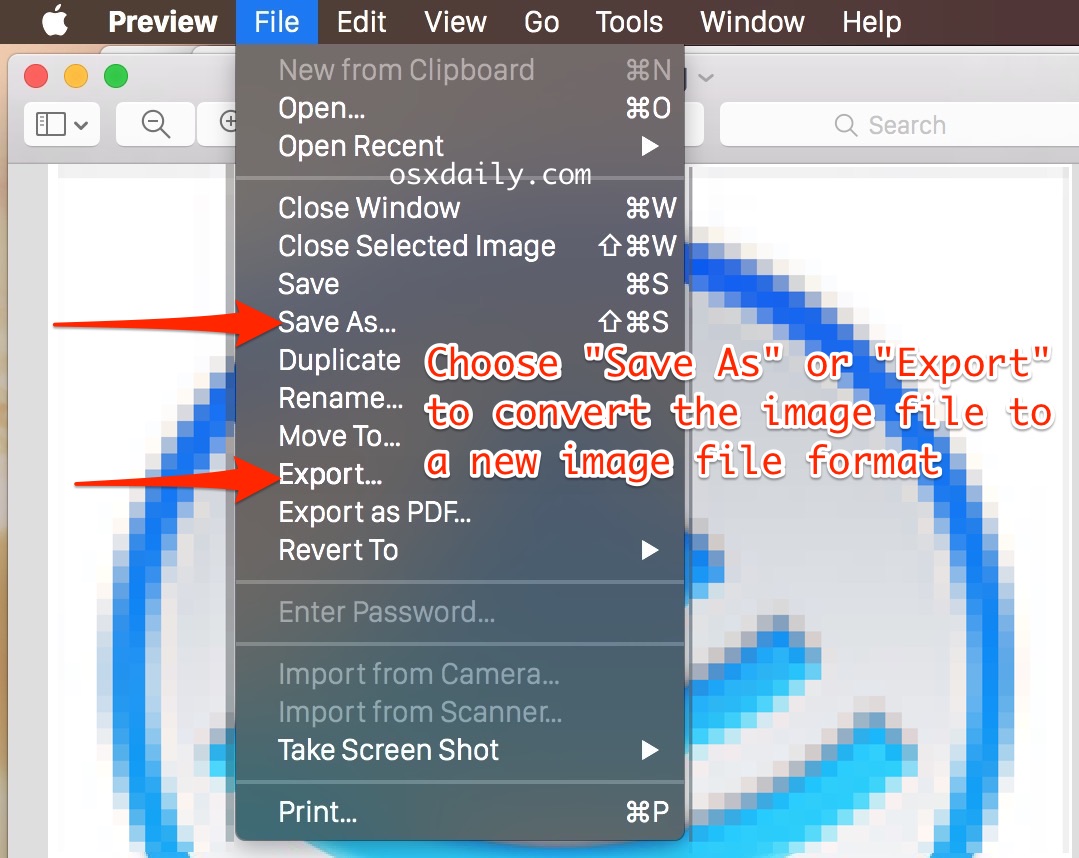
Read more:How to Convert Photos to JPG, PNG, GIF, TIFF, BMP on a Mac?
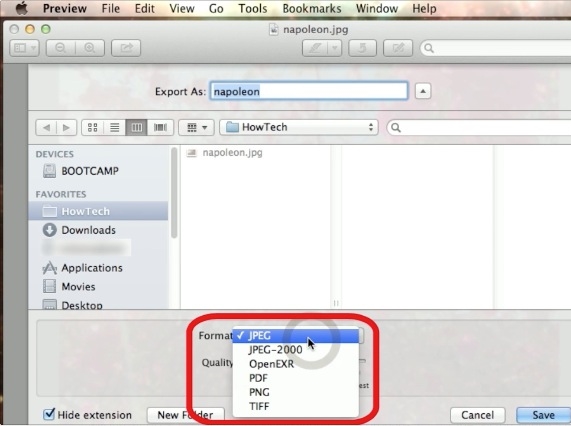
From the Format dropdown menu, choose JPEG. Use the Quality slider to set the compression level. The higher the quality, the greater the file size. Rename your new file if you want to, and set a file location using the Where dropdown menu. A new JPG version of your photo has now been created. How to change HEIC file to JPG.
In this article we will see here the necessary steps to convert the PNG to JPG as desired with Preview.
Convert PNG to JPG on a Mac
Here are the necessary steps to convert PNG to JPG optional with the help of Preview:
- Run the PNG file in “Preview” application;
- Double-clicking or dragging it on the “Preview” icon;
- Go to the “File” menu and select “Duplicate”;
- Having opened a new duplicate file in preview mode;
Change Png To Jpeg Windows 10
- Open the “File” menu again and choose “Save”;
- Select “JPEG” from the “Format” in drop-down list;
- After this actions all you need is “Save” the file to directory you preferred.
Png To Jpg Converter Free Download
Conclusion
How To Save A Png As A Jpeg On Mac Pro
This method can be used in any modern version of macOS or OS X. It’s quite a handy thing, I regularly use it because I have to work a lot with images in APG format, and it will take much longer to produce such task in Photoshop. I hope you, after reading this article, will make it easier to work with converting JPG and PNG formats.