Picture proof: Pictures by www.Fotolia.de ▪ www.istockphoto.com ▪ www.shutterstock.com The user-friendly portable DICOM Viewer iQ-LITE provides an integrated, simple way to view or read patient studies/images stored on a CD/DVD/USB flash drive. iQ-LITE enables users to view, manip- When a copy of iQ-LITE is saved on It is possible to include personalized ulate and print images, which have the patient CD, DVD or flash drive, it advertising in the viewer, e.g. open- been exported from iQ-VIEW, to ei- ing hours or telephone numbers of ther CD, DVD or a USB flash drive. the system requirements. The viewer the imaging center. Additional web It is the most compatible portable supports multiple monitor configura- DICOM viewer in the world. ing the images available to Apple iQ-LITE can display nearly all kinds iQ-LITE media can be created using iQ-VIEW, iQ-ROBOT* and other me- enables referring physicians to view dia burning tools (by request). The and compare studies, do measure- iQ-LITE viewer can also be integrat- ments, print and export data in sev- ed with other CD/DVD robots and eral formats, e.g. JPEG, BMP or even burning stations. Macintosh, LINUX and UNIX users. IMAGE Information Systems Europe GmbH – Medical Imaging with iQ! iQ-LITE 3.0 Flyer PUB INT EN - 003R *Please note: iQ-ROBOT must not be sold or used in the United States of America and the United King
Open the catalog to page 1Please note:

Download TradingView PC for free at BrowserCam. TradingView Inc. Published TradingView for Android operating system mobile devices, but it is possible to download and install TradingView for PC or Computer with operating systems such as Windows 7, 8, 8.1, 10 and Mac. IQ-VIEW offers quick and uncluttered access to tools for improved efficiency. Image processing tools can be selected via buttons, menu items or keyboard shortcuts. A configurable toolbar in the viewer allows the creation of the functions most needed for your personal preferences. This makes reading or review of images both easy and efficient. New features: Integrate native cocoa components on macOS for a more native-like experience, as well as just working on the macOS experience in general. Add rename function. Include support for.heif,.avif, and.apng images. Extra titlebar mode that shows only the image name and the position in the folder.
- License Agreement
- IMAGE END-USER SOFTWARE LICENSE AGREEMENT
- Website
- https://www.image-systems.biz/iq-view
Get the veterinary edition of iQ-VIEW/PRO as evaluation version

Iq Lite Viewer Download Mac
For veterinary purposes, we offer this special edition of iQ-VIEW/PRO that is adapted to the needs of veterinarians reading and viewing radiology images of animals.
The evaluation version of iQ-VIEW/PRO is limited in time and runs 15 days as a PRO evaluation version and afterwards additional 15 days as a BASIC evaluation version. In areas requiring medical device registration for veterinary diagnostic products, remember that the evaluation version is not a medical device and shall not be used for diagnostic purposes.

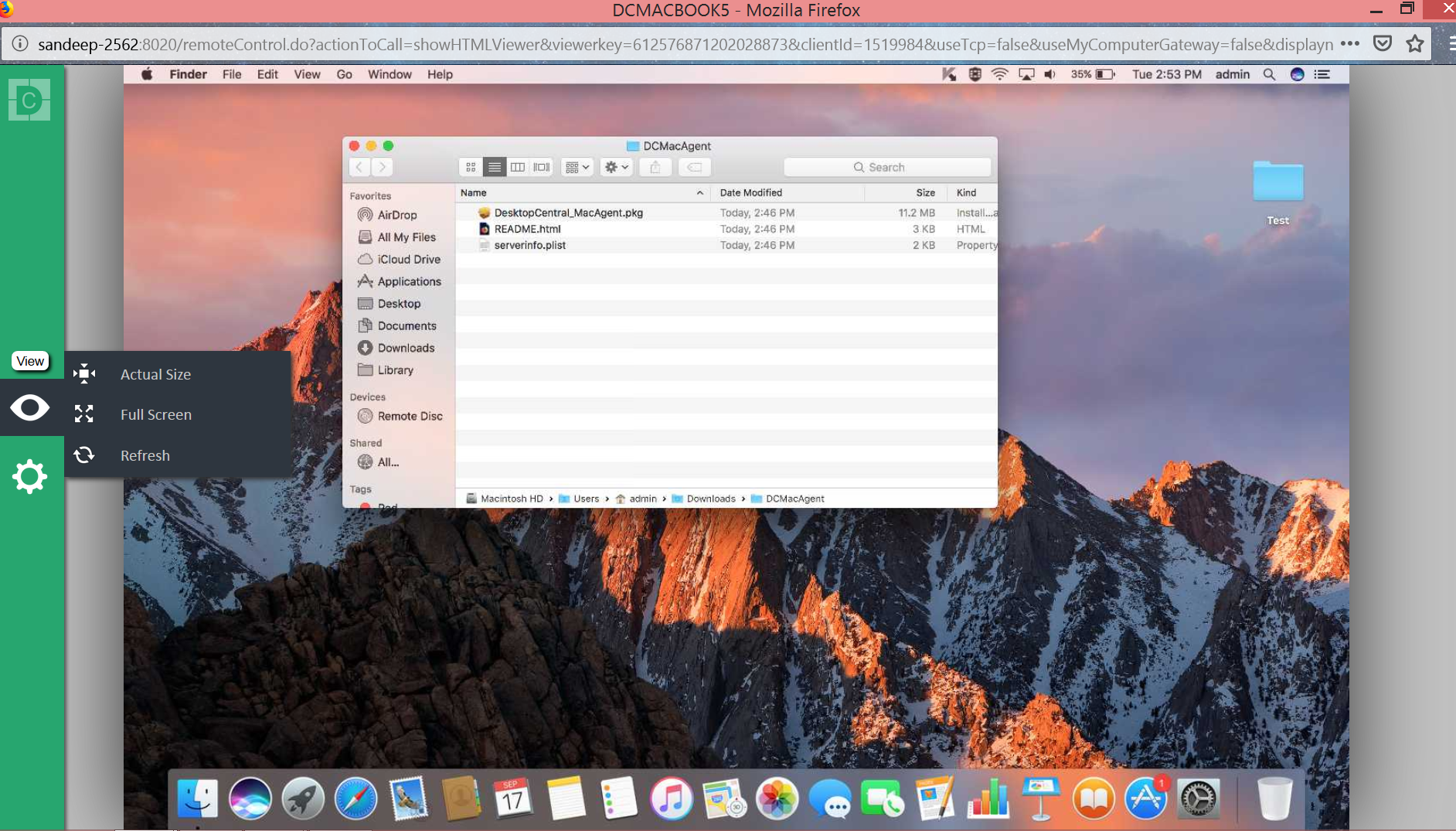
The installation package includes the iQ-VIEW/PRO radiology workstation, including the iQ-LITE media viewer, as well as the iQ-3D post-processing software. Also iQ-3D is available for a 30 day trial period.
Note: The versions usually also function as an update from previous versions of iQ-VIEW and iQ-VIEW PRO as well as iQ-3D. Refer to the version information in case that specific limitations apply. Keep in mind that the previously installed licenses will become invalid and have to be renewed as well. Before performing software upgrades, contact your local reseller for the correct procedure and any potential upgrade fees.
Viewer Lite Download
In order to get technical help and support, consult the respective user documentation or contact your local reseller or our support team.
For detailed information on software installation and administration see the Administration Guides. For information on how to use iQ-VIEW/PRO, iQ-LITE and iQ-3D see the Instructions for Use. Both types of documents can be found in the Manuals section. Also find the iQ-VIEW/PRO DICOM Conformance Statement in the DICOM/HL7 Conformance Statements section.
This patch replaces the previously announced 3.1.6 patch.
Including the following bug fix:
- Easier way to reconcile wrongly assigned image series (study split and merge)
- Modify 'Institution Name' on study level
- Extended list of changeable DICOM tags (in Modify dialog)
- State-of-the-art text overlay in viewer
- Fixed an access violation in iQ-VIEW/PRO and iQ-LITE that occurred occasionally during application start and prevented the user from opening images in the viewer
- Fixed a rare access violation in study browser that occurred after modifying/deleting a study
See PD-730-72 iQ-VIEW_iQ-3D New Features and Bug Fixes PUB INT EN - 005R.pdf for more details.
This installation package contains the following product versions:
- iQ-VIEW/PRO 3.1.7
- iQ-3D 3.2.0
The iQ-CAPTURE 1.3.0 DirectShow® interface can optionally be used in connection with iQ-VIEW PRO. The software is not included in the iQ-VIEW 3D setup, but has to be integrated manually into an iQ-VIEW PRO installation. The iQ-CAPTURE 1.3.0 setup can be downloaded iQ-CAPTURE_1.3.0_IEU_Setup.zip.
Version 3.1.1 Finnish Language File
- 174.05 kB
- 4 Downloads
For our Finnish users:
This file replaces the originally deployed Finnish language file ('Suomi.ini') that accidentally contained incorrect language entries. It should be replaced in all 3.1.1 installations. Later patches of the iQ-VIEW/PRO/LITE software already include the fixed language file.
In order to apply this file, close iQ-VIEW/PRO, then copy this file into the sub-folder 'Lang' of the iQ-VIEW/PRO installation folder. Afterwards, restart the application, open the 'Local settings' and select 'Suomi' as language option.