
Installing El Capiton on an old Mac Book Pro today, I received the error:

OS X could not be installed on your computer
No packages were eligible for install. Contact the software manufacturer for assistance.

DVD DL, Mac OS X 10.11 El Capitan Full OS Install Reinstall Recovery Upgrade. Latest certificate (expires ). Please CHECK twice if your Mac model is compatible with this macOS!! If you are not 100% sure please check the pics or message me your mac model and year and I can tell for sure if would work or not! Step 1: Before you can install OS X El Capitan, you will need to download it from the Mac App Store. It is available for free. Make sure that when the installer is finished downloading, you quit the installation process and don’t actually allow it to install El Capitan over your existing Yosemite or Mavericks system.
Quit the installer to restart your computer and try again.
I checked Apple’s support Matrix (it is a very old macbook pro) at https://support.apple.com/kb/SP728?locale=en_GB and it was listed as supported.
Os X El Capitan Reinstall
After lots of Googling and investigation, I discovered that the date and time were not set to current, the macbook thought it was year 2000.
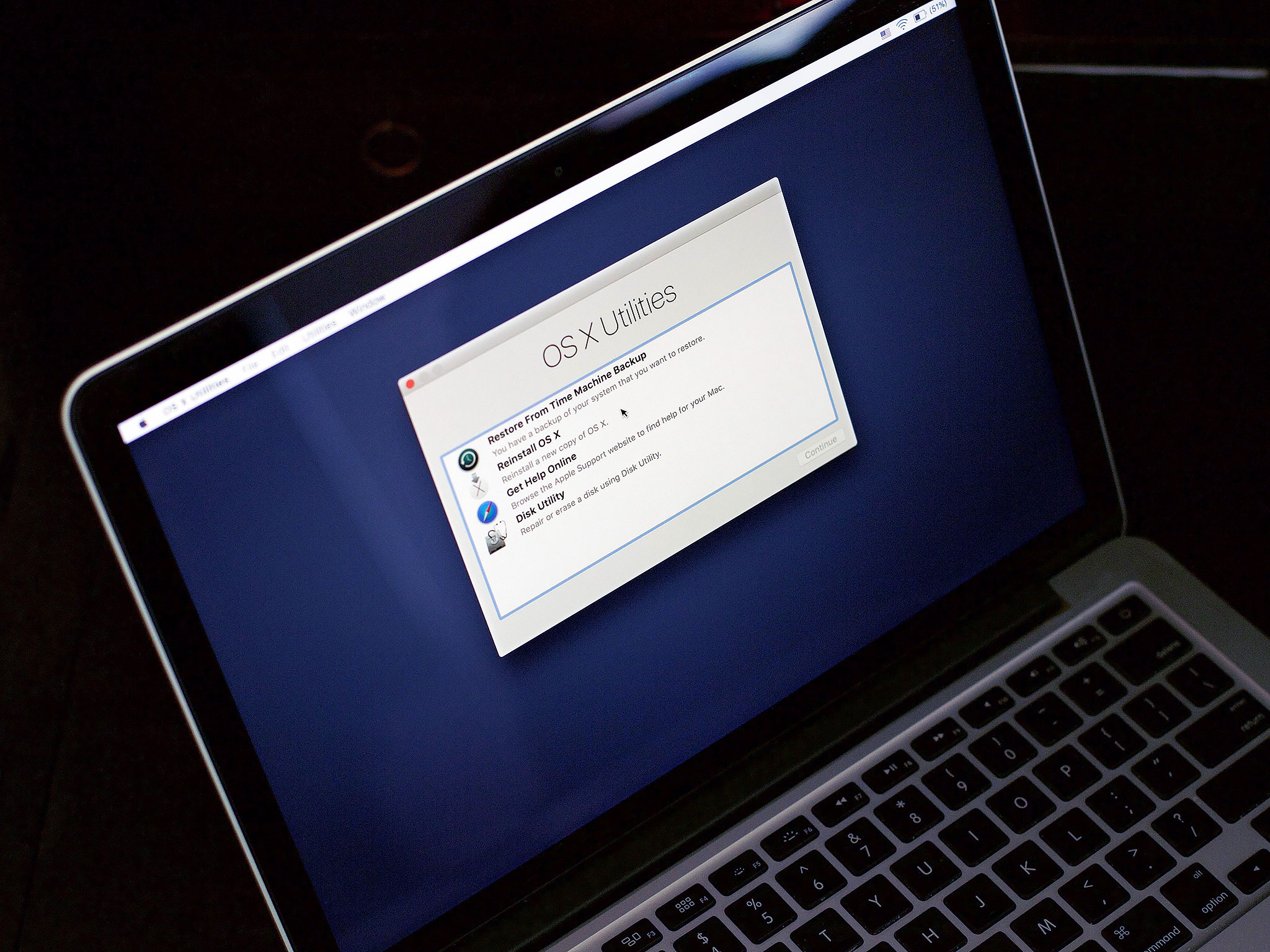
Reinstall El Capitan A Required Download Is Missing
You can easily reset the time and date by following the steps below:
How To Reinstall El Capitan From Usb
- Click Utilities on the menu bar
- Select Terminal
- Type date
- Confirm the date is wrong
- Type date 062112422016 (example: June 21st 12:42 2016)
- Exit terminal
- Click Restart
Once the Date and time are configured you will be able to install OS X.

Reinstall El Capitan From Internet
Easy fix, for a ridiculous error!