- TeamViewer Host. TeamViewer Host is used for 24/7 access to remote computers, which makes it an ideal solution for uses such as remote monitoring, server maintenance, or connecting to a PC or Mac in the office or at home. Install TeamViewer Host on an unlimited number of computers and devices. As a licensed user, you have access to them all!
- TeamViewer Mac can be used to control automatic computers and servers. The system service installation even allows remote booting and reconnection. Download TeamViewer for Mac Version: 11.0.66595. Teamviewer for os x 10.5.8 free download - Apple Mac OS X Mavericks, Apple Java for OS X 10.6, R for Mac OS X, and many more programs.
Share your desktop with this remote control utility
Older versions of TeamViewer
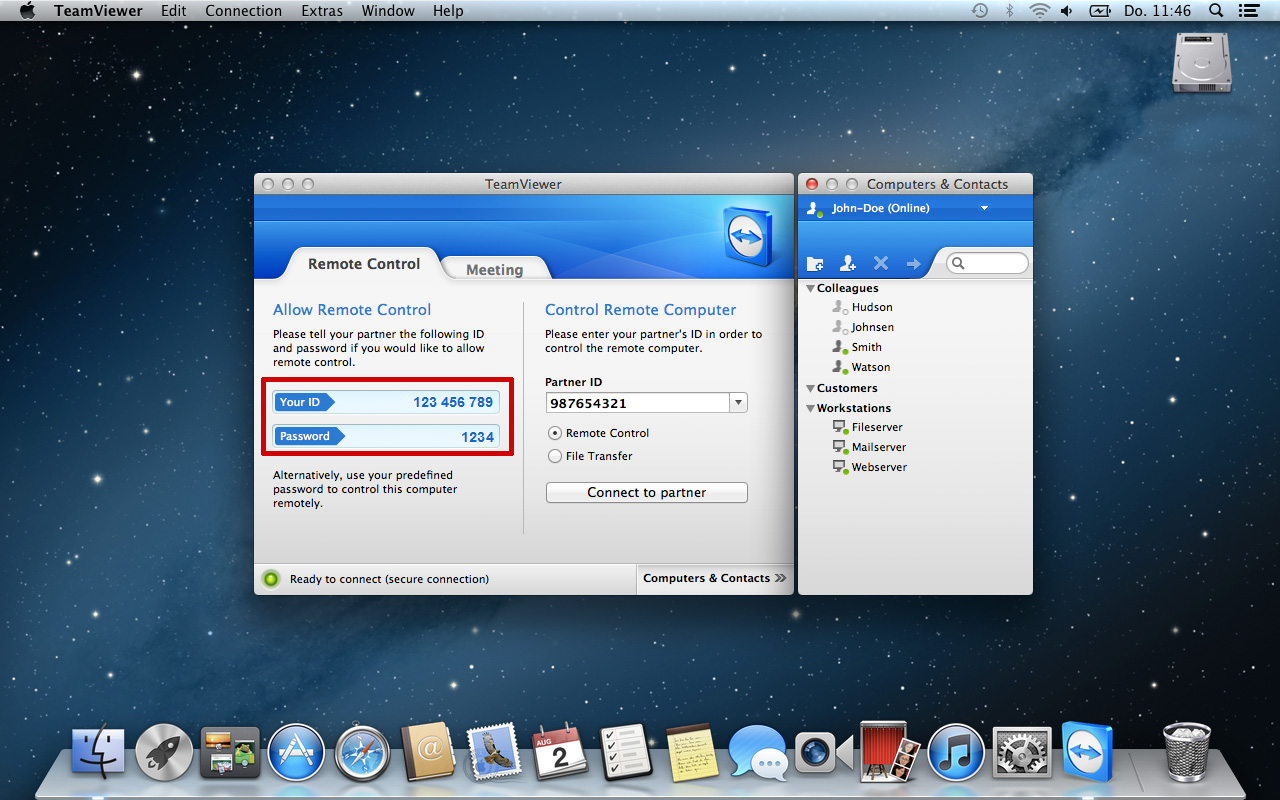
It's not uncommon for the latest version of an app to cause problems when installed on older smartphones. Sometimes newer versions of apps may not work with your device due to system incompatibilities. Until the app developer has fixed the problem, try using an older version of the app. If you need a rollback of TeamViewer, check out the app's version history on Uptodown. It includes all the file versions available to download off Uptodown for that app. Download rollbacks of TeamViewer for Mac. Any version of TeamViewer distributed on Uptodown is completely virus-free and free to download at no cost.Teamviewer 10 Mac Free Download 12/7/2020 TeamViewer Host is used for 24/7 access to remote computers, which makes it an ideal solution for uses such as remote monitoring, server maintenance, or connecting to a PC or Mac in the office or at home. Remote control your computers with TeamViewer, help others with computer problems, present your desktop, transfer files, start an online meeting and communicate using VoIP/video or the chat function. Last update 2 Feb. 2021 old versions Licence Free OS Support Mac Downloads Total: 1,715,038 Last week: 65 Ranking.
- Establish incoming and outgoing connections between devices
- Real-time remote access and support
- Collaborate online, participate in meetings, and chat with others
Buy a license in order to use even more TeamViewer features
Check out additional TeamViewer remote desktop support and collaboration downloads
Immediate assistance:
TeamViewer QuickSupport
Optimized for instant remote desktop support, this small customer module does not require installation or administrator rights — simply download, double click, and give the provided ID and password to your supporter.
Unattended access:
TeamViewer Host
TeamViewer Host is used for 24/7 access to remote computers, which makes it an ideal solution for uses such as remote monitoring, server maintenance, or connecting to a PC or Mac in the office or at home. Install TeamViewer Host on an unlimited number of computers and devices. As a licensed user, you have access to them all!
Teamviewer Free For Personal Use
Join or Start a Meeting:
TeamViewer Meeting
Download Teamviewer 10 For Mac
TeamViewer Meeting installs on your desktop all the essential meeting tools you need to communicate better with your teams and clients, from anywhere, any time.
Teamviewer Quicksupport Mac Os
Other Resources
Looking for an older TeamViewer version or want to learn more about our supported operating systems?
See previous versions
Supported operating systems
Changelog