- Step 5: Now, you will see some games on the screen of your personal computer. Step 6: Now, you can simply click on the Install button to download Call of Duty Mobile for PC like a laptop or desktop. By following the above steps, you can easily download this game on your device.
- Download, Install and Play Call of Duty Mobile on your Windows PC or MAC with mobile app emulators for free. Download & Install Bluestacks. Alternatively you can use Memu or Nox. Register new or connect your old Gmail/Google Play account. Click “Install” button next to the game and wait for the apk to finish downloading.
- Call Duty Mobile Download Pc
- Call Of Duty Mobile Pc Download Mac Operating System
- Cod Mobile Emulator Mac
Download Call of Duty Mobile: Info PC for free at BrowserCam. FLOWGET DEV published Call of Duty Mobile: Info for Android operating system mobile devices, but it is possible to download and install Call of Duty Mobile: Info for PC or Computer with operating systems such as Windows 7, 8, 8.1, 10 and Mac.
Version: 1.0.0 Filesize: 1.4MB
- Freeware
- In English
- Scanned

- 4.21
- (3.92 K Downloads)

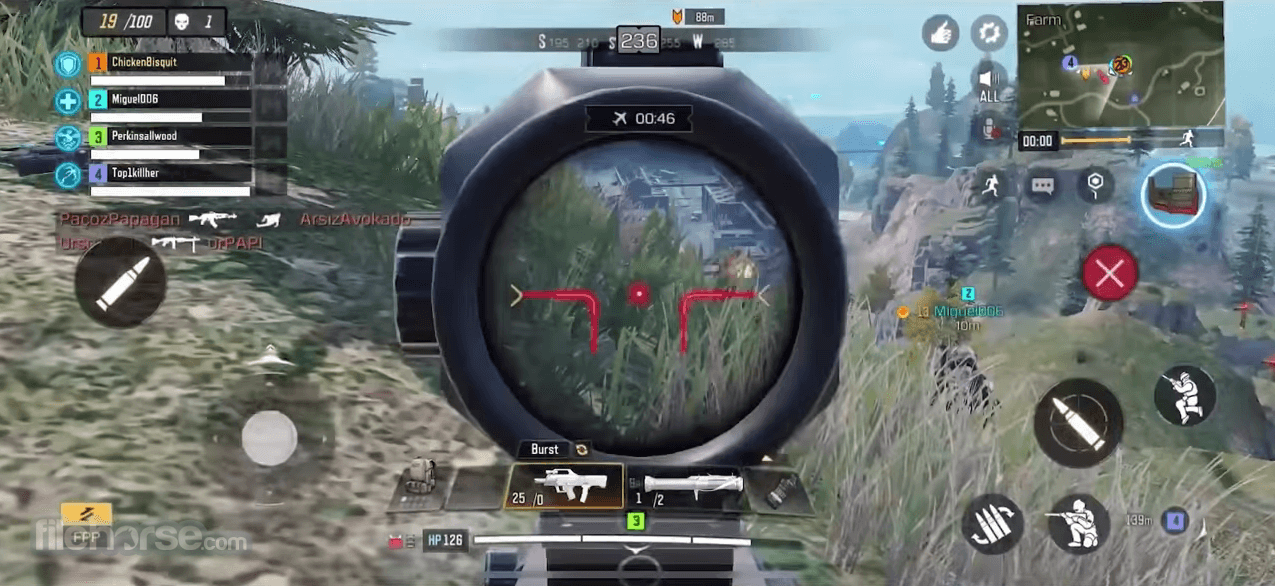
Gaming is one of the activities that everyone loves to do in their free time. Gaming has its benefits and improves various skills like reflexes, teamwork, and many more. There are multiple genres of game that you can enjoy playing, like arcade, action, adventure, shooting, and many more. Shooter games are a subspecies of action-video games which frequently test the spatial sensitivity, reflection, and velocity of the player in both individual or networked environments of the individual player. Shooter games cover several subgenres, which share in the action of avatars battling both code-driven enemies of NPC or other avatars controlled by other players. There are many shooting games that you can enjoy playing. One such fantastic video game that you can enjoy playing is Call of Duty: Mobile for PC.

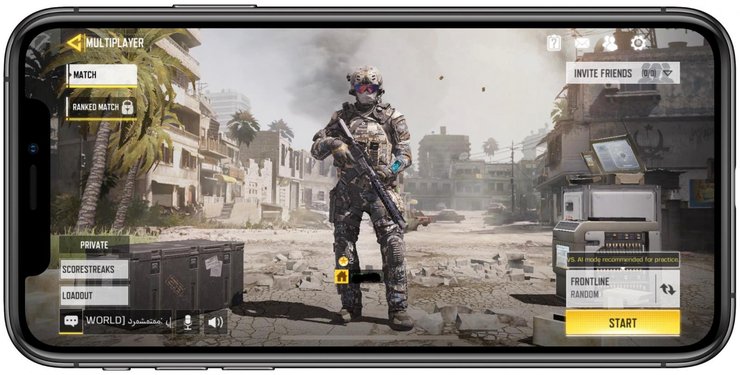
Call of Duty: Mobile for PC is an Activision Publishing Inc product; this game is a fantastic action shooter video game. One of the most awaited games in 2019, the Call of Duty Mobile has introduced its unique GameLoop gaming platform to players worldwide, not just on mobile but also on PC. Call of Duty Mobile for PCs will also be the scene of the most significant challenges on your computer and carry your breath into Battle Royale game mode with GameLoop. Battle classic online maps and play fan-friendly modes to become the best in the world on the highly-anticipated CoDM Desktop of Activision, Garena, and VNG! Call of Duty's foundation: Smartphone is a multiplayer head-to-head cardiovascular. You will be playing some Call of Duty franchises classic maps and modes with CoDM for PC, including the Black Ops and the original Movie Warfare series. Multiplayer is just the beginning. Keep up-to-date on other game modes in the coming months, including a special Royal Call of Duty experiment. Team Deathmatch, conquest, free for all, hardpoints, verifying kill, etc., are all main play modes. The games have also 'Scorestreaks' special weapons available as the player gets some spots on death. The game also features restricted and exclusive modes that can last days, weeks, or a full season.
Features of Call of Duty: Mobile for PC
- Beneficial- This software is a fantastic shooting game that provides amazing action gameplay that you can enjoy on your PC/Laptop.
- Maps- Battle classic online maps and play fan-friendly modes to become the best in the world on the highly-anticipated CoDM Desktop of Activision, Garena, and VNG.
- Modes- Team Deathmatch, conquest, free for all, hardpoints, verifying kill, etc., are all main play modes.
- Multiplayer- This game can be played multiplayer with your friends in a group of four.
How to download Call of Duty: Mobile for PC on Windows?
- 1- Just click on the download button and select a location to download the file.
- 2- After the download finishes, open the Call of Duty: Mobile for PC folder and extract its content.
- 3- Now, open the Call of Duty: Mobile for PC folder and double-click on the Call of Duty: Mobile for PC file.
- 4- Now an installation window appears, now agree to the License Agreement and select an installation location.
- 5- It will take a few minutes to install the Call of Duty: Mobile for PC; click on the Finish button after installation.
Pros
- This software is an efficient action video game.
- This game provides various gaming modes and maps.
- This can be played multiplayer.
App Name: Call of Duty: Mobile for PC
License: Freeware
OS: Windows 7 / Windows 8 / Windows 10 / Windows 7 64 / Windows 8 64 / Windows 10 64
Latest Version: V1.0.0
Latest Update: 2021-02-25
Developer: Activision Publishing, Inc.
User Rating: 4.21
Call Duty Mobile Download Pc
Category: Games
Call Of Duty Mobile Pc Download Mac Operating System