- Install Respondus Lockdown Browser
- Emory Respondus Lockdown Browser Download
- Respondus Lockdown
- Emory Respondus Lockdown Browser
The new Rich Content Editor (RCE) is active by default for Summer 2020 and Fall 2020 courses at Emory. Please read about this important change if you have yet to do so in my previous post, “Canvas Release May 16, 2020 + New RCE is Here”.
Instructure will release updates to our Canvas environment Saturday, June 20, 2020. Highlights of the June 20 release are:
- All users can customize their preferences for most types of notifications in each course. The course notification settings includes preferences for course activities, discussions, scheduling, and conferences but not for conversations, groups, or alerts. Users’ account-level notification preferences work as defaults that they may customize in each course. Once a notification preference is changed at the course level, any additional changes for that notification type must continue to be managed within the course.
- Teachers can edit multiple assignment due dates and availability dates in their course with the new Edit Assignment Dates option. (We are activating this feature at Emory on June 20.)

Click here to view the full Canvas release notes for June 20, 2020. The full notes contain more details about these and other changes, a link to a screencast explaining some of the changes contained in the release, a comments section, and role-specific user summaries. You can join in the discussion if you log in to the Canvas Community.
- Microsoft Office provides the university’s collaborative productivity tools, including OneDrive and cloud versions of Word, Excel, PowerPoint, OneNote, Teams, and more. Visit this Technology Help Center Microsoft Office 365 Tutorial article for helpful information. Visit Canvas Integration Central for more information about Office 365.
- PebblePad is an ePortfolio platform that helps learners showcase their achievements, skills, and experiences. Contact Bradley Hartsell, Integrative Learning Technology Coordinator at bhartsell@ehc.edu with any PebblePad-related questions and support. Sidebar Navigation.
Production feature releases arrive on the third Saturday of each month. Click here to view release notes on Canvas Community. Instructure also lists noteworthy changes planned for future releases.
It looks like you're using Internet Explorer 11 or older. This website works best with modern browsers such as the latest versions of Chrome, Firefox, Safari, and Edge. If you continue with this browser, you may see unexpected results.
Header photo by Aaron Burden on Unsplash
Install Respondus Lockdown Browser
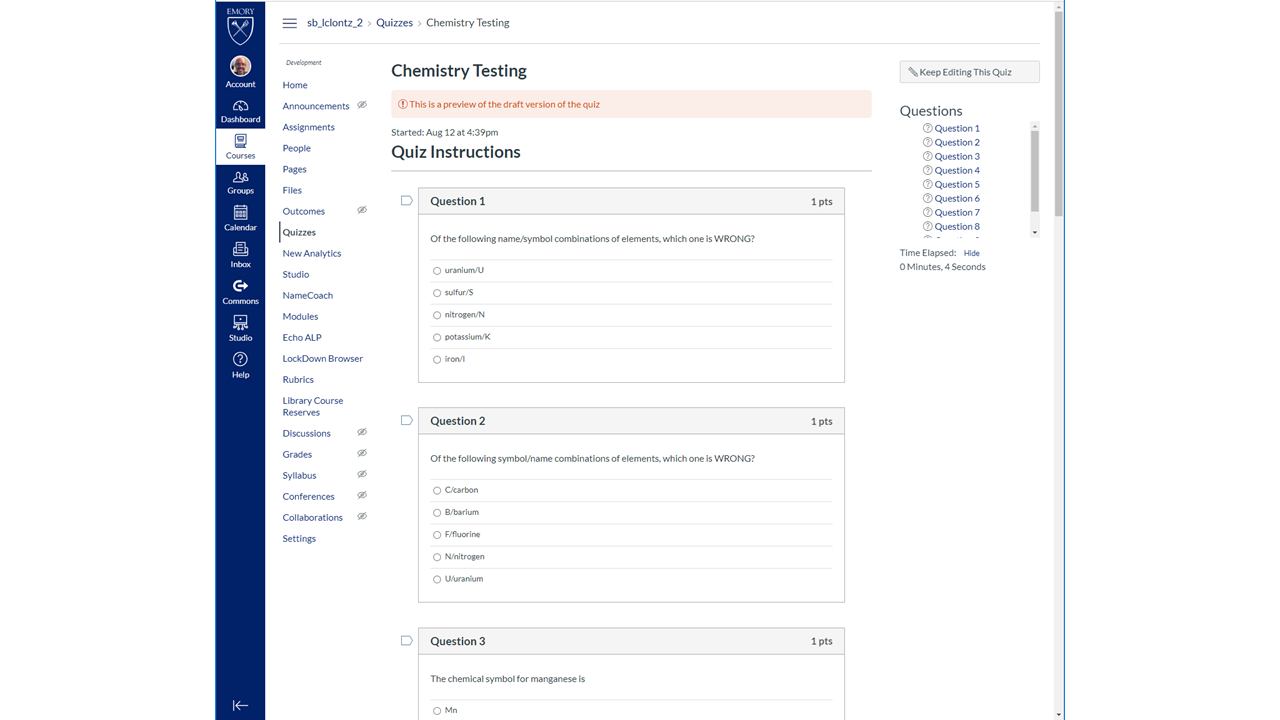
- Due Sep 22 at 11:59pm
- Points10
- Questions10
- Available Sep 10 at 12am - Sep 29 at 11:59pm 20 days
- Time Limit 10 Minutes
- Requires Respondus LockDown Browser
Emory Respondus Lockdown Browser Download
Instructions
Respondus Lockdown
This quiz covers the material from the Lab 3 (module 2) on the Need to Know Sheet. Read each question carefully. Fill in the blank(s) with the appropriate, correctly-spelled word(s) or phrase(s). If you are asked to choose the correct answer(s), be sure you understand if you are to choose a single answer of all that apply. The correct answers will not be revealed until after the due date. The honor code is effect.