Each download we provide is subject to periodical scanning, but we strongly recommend you to check the package for viruses on your side before running the installation. The download is provided as is, with no modifications or changes made on our side. The download version of EndNote is 17.5.0.9325. Keywords: endnote free for students, endnote free download for windows 7 for free, endnote free trial, endnote x7 mac free download, endnote citation endnote x8, endnote x5 free download, endnote word, endnote free download, endnote x8 free download for windows 10, endnote student, endnote download mac, endnote citation, how to download endnote. The newest version of EndNote is 20. If you have X9 or earlier, you can purchase EndNote 20. If you have EndNote 20 and need to download it again, please visit the KnowledgeBase article below. EndNote X8.1 update (requires Endnote X8) 41 MB / 36 MB. EndNote X7.5 for MacOS X ( instructions) (requires EndNote X7 for Mac) 32 MB. EndNote X7.4 for Windows (requires EndNote X7 for Windows) 65 MB.
- Is available through Information Technology Services to all Saint Louis University faculty, graduate students, and undergraduate students.
- Can be installed on your Saint Louis University work computer as well as your personal computer.
How you obtain EndNote X8 depends upon whether you want it installed on your SLU work computer or your personal computer. Follow the instructions applicable to you.
Getting EndNote X8 for Windows for Mac installed on your University office computer (faculty and staff).
- Call 977-4000 or email helpdesk@slu.edu to schedule an appointment to have it installed.

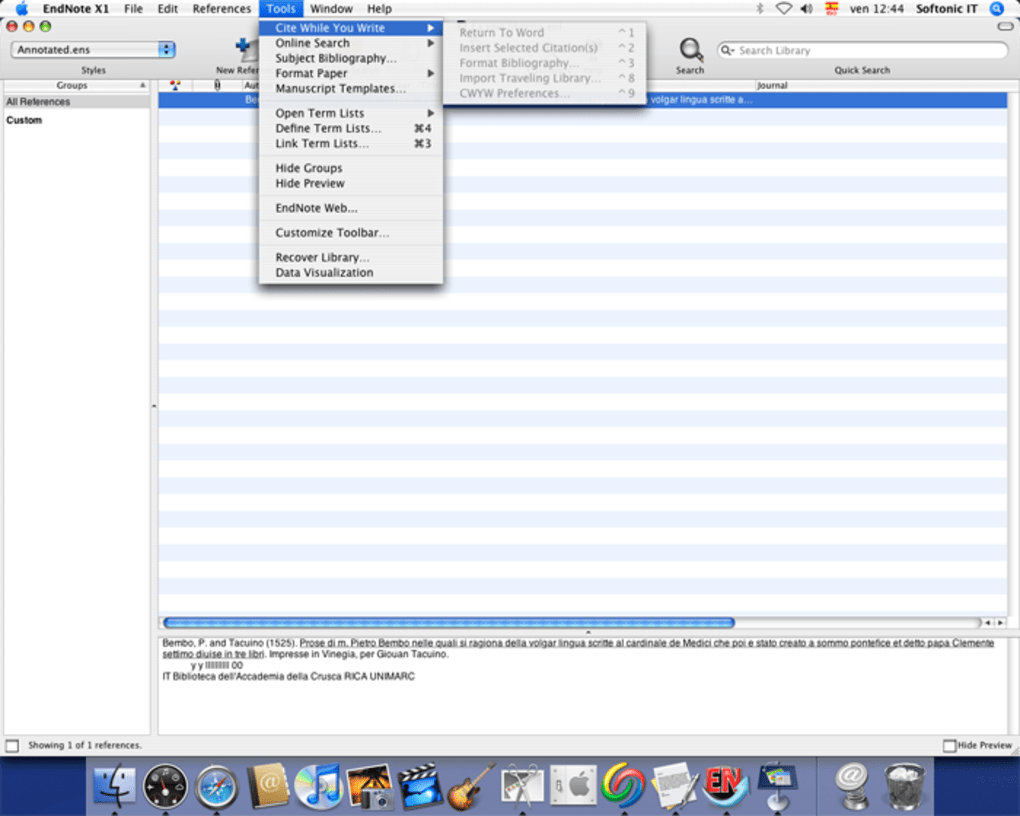

Downloading and installing EndNote X8 for Windows or for Mac for your home or personal computer (faculty, staff, and students)
TIP: If you know that you will need additional filters, styles, or connections, use the Custom install. There you can select which additional filters, styles, or connections you may need.
Download Endnote X7 For Windows
- Close all open programs - particularly any Microsoft Office programs or other word processing programs
- Go to the ITS Software download site at https://www.slu.edu/its/software/download/
- Log in with your SLU Net ID and SLU Net password.
- Select the correct EndNote version for your computer
- Download and save the application file--this procedure may vary depending on the browser you use. Then you will need to install the EndNote program.
- Windows--Go to the program's location and double-click the Installer Package ENX8Inst.msi ).
- Click through the installation instructions (This is where you can select Typical or Custom installation).
- Mac OS 10-Double click the Disk Image file that downloads. Next, drag the EndNote folder to the Aplications folder. Click the application to install it.
- The program should now be ready for use.
- Finally, open EndNote and go to Help-->EndNote Program Updates
- The program will automatically search for any updates.
- Follow the prompts to install any updates.
- Note: To install updates, close the EndNote program.