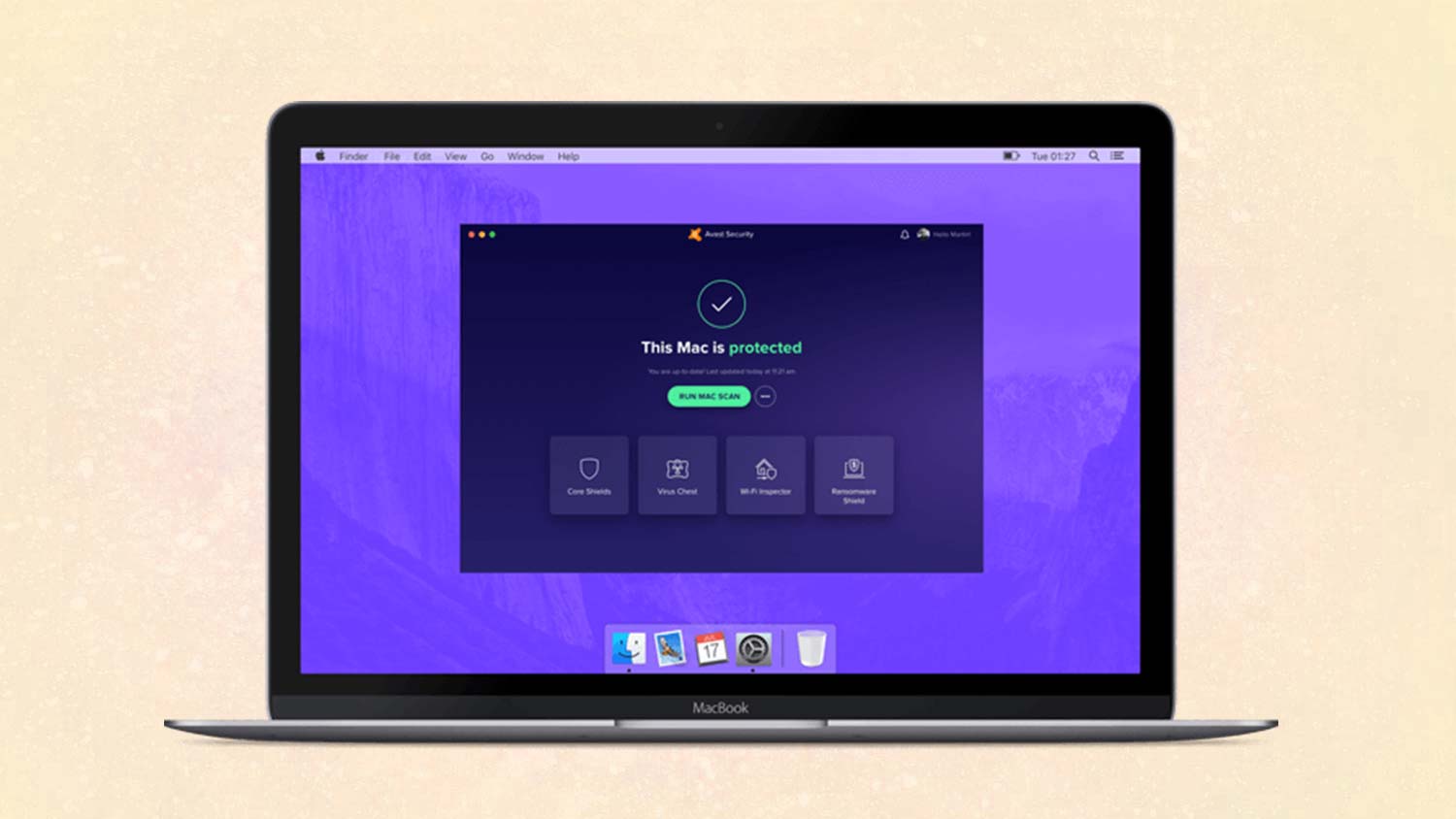
Get access to free. texting, and high-quality voice and video chat built specifically for desktop. Type even faster, multi-task while video chatting so you never miss a moment and stay connected with desktop notifications. Host one-on-one meetings or bring the whole group together with free., high-quality voice and video chat features. Free Antivirus for Mac While Apple devices are generally less susceptible to hackers, malicious websites and unsecured networks still pose serious threats to your device and privacy. That’s why McAfee Total Protection provides Mac-specific antivirus and anti-malware capabilities.
The Mac App Store comes as part of the update to Mac OS X v10.6.6. The minimum system requirements for the platform are: A Mac computer with an Intel processor. Mac OS X v10.6.6 or later. Internet access. An iTunes or iCloud account. If you want to run more than just the basic OS, you should have at least 50GB of free space on the drive. In order to create the macOS installer, you'll need a Mac on which to download it from the.
Today I’m sharing step by step guide to Install Mac OS on PC without using any Mac computers. iMac are remembered for its superior quality and high performance. So the main reason the people’s are attracted towards the Mac because of its ultra-portability and great performance. So another great feature in the Mac Computers are its user-friendly operating system which is Mac OS X . Last week one of my reader mailed me that, It is possible to install Mac OS on Windows PC without using Mac? My answer will be a big YES, but how? follow this ultimate guide to install Mac OS on PC without using iMac or Macbook’s.
As you knew technology is developing day by day, tech geeks like me, are making the damn near impossible things possible and easier. So we are here today, to guide you step by step to install Mac OS on PC absolutely for free! So without wasting a second let us begin the task.

Install Mac OS on PC without using any Apple products
System requirement to install Mac OS on PC:
- Intel or AMD dual core processor along with SSE2 or SSE3 Compatibility.
- A minimum of 4GB of RAM.
- 250MB Graphic Memory. (On board or dedicated)
- Internet Connectivity to download the other essential stuffs.
How to Check whether your PC has the power to Mac OS X 10.6:
- Download the program called CPU-Z from here.
- Once you have downloaded the program install in to your computer.
- Then open the program to check your system configuration.
Software required to Install Mac on PC:
- Download the Ideneb from Here. ( Size = 4.38 GB, Only torrents link is available)
- In order to Install Mac on PC you need to download the Virtual Box From here.
- Enough to install Mac OSx on PC.
Step by Step guide to install Mac OS on PC
First of all download all required software’s then proceed with these steps to install Mac OS on PC. Then you need to Install the Virtual Box in your PC. Then you need to run VirtualBox software with administrator privatization. Just Right click it and click on “Run as Admin“. (Close all the background Software for better performance)
- To install the Virtual Box double-click on downloaded Virtual Box file, then click Next > Next>Next>Yes>Install, after that it will install in your Computer. ( Most likely in C:/ drive)

Note: Make sure you have minimum 20 GB of space available in your C: to install Mac on PC. You even Change the Virtual Box storage location, If you have no space available in your C: to install Mac OS X windows PC.
- Once the Virtual Box has been installed. open the VirtualBox software, then click on the new button. Click on the show description. Configure as in the below screenshot.
- Choose the file location where to install Mac on PC, Choose at least 20 GB of hard drive space to install Mac OS X on PC. Storage hard type is VDI with Fixed size. Then click on the create button. Wait for 5 – 10 mins till Virtual Box create a separate hard drive to install Mac OS on PC.
- Once the hard drive has been created, click on the settings and navigate to system, then you need to configure the extended feature settings as in the below screenshot.
- After saving the system settings, move towards the storage section, click on the empty CD-drive in the storage tree in the left side the window. Then in the attributes menu, click on the small CD-drive image then click on the choose a virtual disk file, browse the Ideneb ISO file we have downloaded earlier (In downloads folder) After click on Ok button.
- Then again navigate to the display part, drag the video memory to the maximum (in this case only 128 MB). If you want you can also check the “enable 3D acceleration” for optimum graphic performance. Then hit Ok.
- After you have done, click on the START button in the virtual box. Then a black boot screen will appear, click enter. If you done all the steps correctly, then Apple Ideneb will boot prompting Apple Logo. Then you’ll get the below screen after a while. Click on the english and hit the arrow at the bottom of the window. Then in the Welcome screen click continue and agree.
- Then you need to click on the utility from the to menu bar, and select the disk utility. Then you need to click on the Hard drive that we have created earlier in the left corner of the window and click on the erase tab. Choose the volume format as ” Mac OS Extended ( Journaled) ” . Name the partition as per your wish then click on the Erase button at the bottom. Then you need to close the disk utility by the on the red small button the top left corner of the Window.
- Then you need to select the hard drive that we have recently formated as destination drive and hit the continue, then click on the install button. When the disk checks click on the skip, Wait for around 30-35 Minutes to install OS X PC, after you will get this Install Succeeded Screen click on the restart now to complete. the installation. Then you’ll be able to install Mac OS on PC.
Free Mac Os Download For Pc Iso
- Then you need to do one thing, Close the Mac OS X Virtual Box Window, and click on the Settings and choose the drive to boot as below and click on Ok.
Free Mac Os Download For Pc Laptop
Get A Free Apple Laptop
- Then again click on the start button in the virtual box, the Mac OS X will be booted, you need to select the Language, user name, password, time zone, location, as per your wish. If you have Apple ID you can Id, If you don’t click on the Continue complete the setup. Then you will be arrived at the Ideneb desktop. You are a step to install Mac OS on PC.
Note: If your Computer has only 2 GB of RAM, Still you install Mac OS on PC, By using your pen drive as RAM to Boost your PC Performance.
Yahoo!! you have successfully install Mac OS on PC completely for free, don’t forget to Share with your friends and relatives, a like, share or tweet don’t cost any penny for you!
You can also follow the Same steps to Install Mac on Windows PC, window 7 and even in XP ! If you willing to enjoy the mac for the further, you can Dual Boot Mac OS X with window 7, 8 and XP.
Free Mac Os Download For Pc Window 10
Free Download Mac Os For Desktop Pc
We recommend you to bookmark this page Since we update regularly on ” How to install mac os on pc“.
Company of Creative Reinvention
The longstanding computer rivalry between Apple and Microsoft represents the cutting edge competitiveness that is common in today’s forward technology industries. Since the mid-1970s when co-founders Steve Jobs and Steve Wozniak dragged their first primitive Apple computer out of their garage workshop, Apple has been pushing the envelope on innovation – often with creative, minimalist gadgets that appeal to computer geeks and modern users of all kinds.
From Start-up to Space Age
Only a decade or so ago, Apple computers existed on the fringe of the PC world. Microsoft soundly dominated the field of personal computing; with friendly GUIs and a rapidly evolving operating system (OS) that seemed a worthy companion for the globalizing business world. Today, the sleek, clean Apple product line sells itself. Not only have the company’s computers evolved in design characteristics and more consistent operating systems, but sales have skyrocketed on other Apple products as well. Artfully conceptualized Apple stores are standing room only; known for johnny-on-the-spot sales crews that know the Apple product line inside and out. And the legendary iPod has permanently altered the portable audio world.
STEM Revolution
Forward-thinking industries require steady streams of talented innovators, so high need fields attract a lot of attention among corporate student aid benefactors. To ensure ongoing access to skilled human resources, employers are willing to educate the future workforce. For college students who need financing that goes beyond Federal Pell Grants and Direct Student Loans, corporate sponsorships bridge the higher education affordability gap.
Technology fields are rich with opportunity for college funding. Science, technology, engineering and mathematics; STEM subjects, draw scholarship dollars from public and private funding sources that are committed to advancing the tech sector. High achievers gain access to grants and scholarships supporting STEM disciplines, but minorities and other under-represented groups also earn STEM awards. These academic disciplines represent the diverse career opportunities that are available to STEM scholarship seekers:
- Materials Science
- Chemistry
- Physics

Computer science and entertainment technology are giant retail sectors across the world, so companies like Apple can afford to give back to the educational system that consistently churns out the scientists and designers that move technology forward. To maximize your financial aid take, tap career-specific scholarships and grants that are available within your major, and look to industry leaders like Apple for the deepest pockets of student aid.
Apple Corporate Ethos Falls Heavy on Education
Twenty-first century Apple is on the list of Fortune 500 companies and has taken a solid stance on corporate responsibility, especially within the areas of education and vocational support. In fact, Apple has made a fortune by staying in tune with the needs and priorities of college students: portable and affordable music, portable and enviable computers designed for academia, all the entertainment bells and whistles, peripherals and software that turns a PC into a one-stop multimedia studio, and affordability that syncs with college student budgets.
Free Mac Laptops For Students
Scholarships and college help go a long way, but Apple’s commitment to education does not stop there. The company goes out of its way to recognize other players in the field of education; like administrators and exceptional teachers. Corporate dedication to education is evident in the Apple Distinguished Educator Program. The ADE recognizes and rewards outstanding educators from K-12 schools and college campuses, whose commitments to the Apple educational ethos have expanded technical opportunities and for their students.
Hundreds of collaborating educators search for new ways to integrate Apple technology into classroom learning environments, at the same time engaging children with the latest technological innovations.
Apple Scholars ”Think Different”
Accomplished student developers are eligible for competitive WWDC Student Scholarships that allow them to attend Apple’s Worldwide Developers Conference . More than one-hundred qualified applicants receive complimentary access to the event.
Free Mac Laptops For College Students
The Apple Scholars program recognizes the academic and creative abilities of outstanding high school seniors by giving them tuition grants, free Apple Nano iPods and laptop computers to take to college. The scholarships are competitive among tech-minded high school students, who use Apple inspiration to create innovative technology ‘concept’ pieces.
Winning projects include useful Dashboard widget development , classroom podcasts, cutting-edge digital imaging concepts for the classroom, and high-level video projects. Each winner utilizes Apple software and devices.
In addition to direct student aid, Apple also extends education discounts for students and learning institutions at the K-12 and university levels. Special pricing on Apple computers and software reduces costs for college students and cash-strapped educators.
Free Apple Laptop Computer
NEW:Scholarship search engine: fast, free, no registration required. Try it today!