Offline Scriptwriting Software for Mac 6. Highland Software. Highland software works with the Fountain file format, a text-based file compatible with several of the best screenwriting software options. Fountain documents are plain text, so when you write one you don’t fiddle with formatting, and can write it anywhere (GoogleDocs, NotePad, etc).
- Free Screenwriting Programs For Mac
- Best Free Screenwriting Software For Mac
- Free Script Writing Software Mac
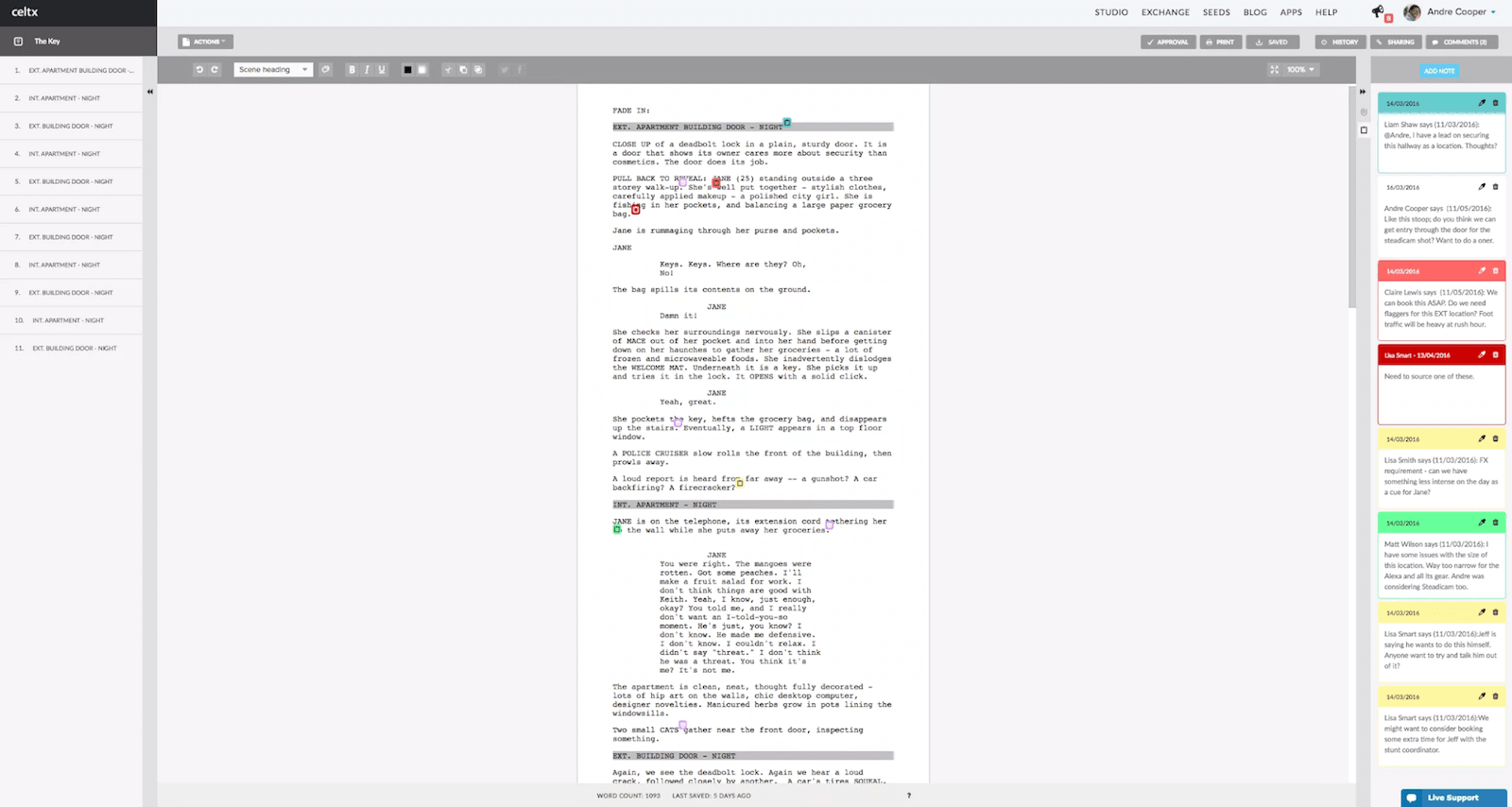
- Fade In Professional Screenwriting Software is the most advanced software used by professionals writing for motion pictures, television, video games, the stage, radio, and more. It features support for multiple languages, tools for outlining, organizing, and navigating, plus extensive screenplay formatting and robust functionality for managing.
- Posted in Art Work, Articles, Free Stuff, Screenwriting and tagged best free screenwriting software, free screenwriting software cynergy, free screenwriting software downloads, free screenwriting software for mac, free screenwriting software os x on September 5, 2017 by will4568.
- Sep 28, 2018 The Best Free Screenwriting Software Solutions 1. Fade In This is the screenwriting software used by Craig Mazin, where he put all the Chernobyl characters into the fight of their lives. It's an efficient software that's less buggy than the competition and offers professional standards at every turn.
- StudioBinder screenwriting software is completely free to everyone. Create as many projects as you like. Write as many pages as you like. And with its holistic, all-in-one production features, StudioBinder isn’t just the best free screenwriting software — it’s also the best screenwriting software.

Just start writing—Slugline figures out the screenplay formatting as you go. You get a powerful Outline, Timeline, and color-coded notes, all without taking your hands off the keyboard. And all based on a plain-text file that’s compatible with everything.
Start Writing for Free
Slugline 2 is a free download, and works without watermarks or limitations until you pass page six, at which point you can upgrade to Unlimited Writing. Kick the tires at no cost — or, if all you write is short films, never pay a dime!
The Darkest Timeline
Slugline 2 has dark mode. And a completely new design that maintains Slugline’s beloved no-buttons simplicity, while providing quick access to formatting options, the Outline Navigator, and the new Timeline, which gives you a bird’s-eye view of your structure and pacing.
A4 paper support
Easier title pages
Courier Prime Sans for writing
Multi-colored Notes
Scene numbering
Formatting helpers
Preferences for new document settings
Auto-save all the time
Slugline 2 uses Fountain, a plain-text screenplay format that’s free, open, and compatible with everything.

Slugline 2 produces beautiful, industry-standard paper and PDF screenplays, with perfect pagination.
Free Screenwriting Programs For Mac
And Slugline 2 works with Slugline for iPhone and iPad. Sync your work over iCloud or Dropbox, and write wherever, whenever.
Slugline 2 for Mac
Best Free Screenwriting Software For Mac
Live Compare, Scene Numbering, Search and Replace, an all-new Timeline, and the drag-and-drop outline. Free for the first six pages, then $49.99 USD to unlock Unlimited Writing and FDX export.
Slugline for
iPhone & iPad
Free Script Writing Software Mac
Write and edit your screenplay on your iPhone. Slugline for iOS/iPadOS is fully compatible with Mac, sharing files on iCloud and Dropbox. But it also works on its own, creating perfect Hollywood-standard print and PDF output.