
Your acquired collection of books can be managed by the client application into a virtual library which can be accessed any time even if the application is in offline mode. This library has an online correspondent on your Kobo's account which can be synced with your other libraries from your portable devices which have the correspondent Kobo client installed. This is possible because the company offers several versions of their client application for the major mobile devices such as iPhone, BlackBerry, for Android OS and Palm gadgets.
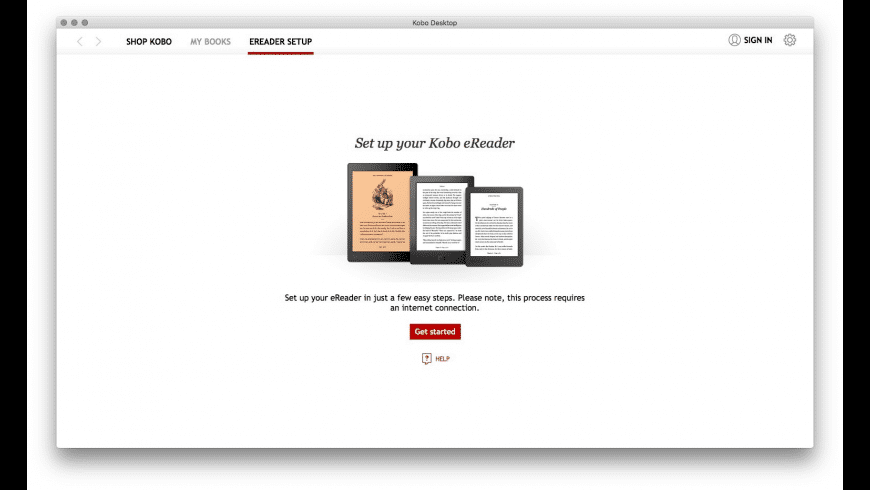
Kobo comes with a minimal interface based on a Mac like design with a simple an clean menu on the left. From the menu you can view the content of your library and store, and your account info. Each ebook will be opened in a separate window which features its own menu. This menu is dynamic and can be hidden any time in order not to disturb your reading session. But in case you want to browse the book's chapters, or view the book's content, you can bring the command menu in front by a simple click. For the perfect reading experience you can choose the full-screen mode.
If the full-screen mode is not enough for your eyes, you can also change the font size of the text but you can't change the font style. If the white background can become overwhelming for your eyes, there is no way you can change the background color or style. There is no way you can point out a paragraph or a prase or make an annotation. So if you feel like having a powerful ebook reader, go search for another application.
Pluses: free, offers a huge ebooks data base, libraries on any device can be synced based on your personal online library, minimal, clear interface;
Drawbacks/flaws: lack of font and background control, no add notes system, cannot read ebooks acquired from other sources;
In conclusion: Kobo Desktop can accomplish only your basic needs in terms of reading an ebook but offers a huge database which is daily updated from where you can choose any desirable book.
version reviewed: 1.8
BrowserCam provides Kobo for PC (Windows) download for free. undefined. built Kobo undefined to work with Google's Android and also iOS however you can even install Kobo on PC or laptop. Now let's learn the criteria in order to download Kobo PC on MAC or windows computer without much struggle.
How to Download Kobo for PC or MAC:
Mac Download Game

Mac Download Software
- Start off by downloading BlueStacks App player for PC.
- Immediately after the installer completes downloading, double-click it to start the installation process.
- Check out the first two steps and then click 'Next' to proceed to another step in set up.
- When you notice 'Install' on the monitor screen, please click on it to get started on the last install process and click 'Finish' just after its finally done.
- Straight away, either through the windows start menu or alternatively desktop shortcut begin BlueStacks Android emulator.
- Add a Google account by just signing in, that will take short while.
- Finally, you should be taken to google playstore page where one can do a search for Kobo undefined utilizing search bar and install Kobo for PC or Computer.
Every day so many android apps and games are removed from the play store in the event they do not follow Developer Policies. At any time you do not find the Kobo undefined in google playstore you can still free download the APK from this site and install the undefined. If you ever wish to go with Andy for PC to free install Kobo for Mac, you can still continue with the same procedure at all times.
Create your perfect reading experience. The Kobo Desktop App includes features designed to help you read the way you want. Choose from multiple font styles and sizes, and select your preferred alignment, margins, and line spacing. You can even decide how you’d. Kobo Desktop free download - Desktop Themes, Facebook Desktop Messenger, Desktop Sidebar, and many more programs. The 3.1 version of Kobo 2 for Mac is available as a free download on our website. The most popular version among the program users is 2.1. This free Mac application is an intellectual property of Kobo Inc. Commonly, this application's installer has the following filename: kobosetup.dmg.