rEFIt is a boot menu and maintenance toolkit forEFI-basedmachines like theIntel Macs.You can use it to boot multiple operating systems easily,including triple-boot setups with Boot Camp.It also provides an easy way to enter and explorethe EFI pre-boot environment.
- All you have to do is select an ISO file or the specific distribution you want to download and then simply choose the target drive. It also comes with a nice GUI, which further adds to the user experience during use. Pros: Support Windows, Mac and Linux. Able to download Linux ISO within the program. Easily create ISO image from files.
- Mac Os Sierra Download Iso Virtualbox; Mac Os Sierra Download Iso Bootable; Download Macos High Sierra 10.13.6; Apple has released the final version of macOS High Sierra, available to download now for the general public. The new software update includes a variety of refinements and enhancements to the Mac operating system, along with a handful.
MacOS Catalina iso download, macOS Catalina VMware image download, mac os Catalina iso download to get VirtualBox, mac os Catalina DMG picture, macOS Catalina Virtualbox, VMware, mac os Catalina bootable iso download, macOS 10.15 Catalina iso download. Installing Catalina is quite easy.
On this page:News- Download- Troubleshooting- Resources
Other pages:Documentation- Troubleshooting- Screenshot- Myths and Facts
News
2013-03-29: As you may have noticed, rEFIt is no longer activelymaintained. Please check outrEFInd,a fork that is maintaned and under active development.
2010-03-12: The site has a newtroubleshooting section.Some common problems are also listed below.
2010-03-07: Version 0.14 was released. This release adds a configurationoption for the default boot choice, fixes the Linux/GRUB detection issue, andfixes Snow Leopard 64-bit issues.
Download
The current release is 0.14.It is available in various forms.Both disk image distributions include the Installer package andcan be burned as a bootable CD as well.All three binary distributions can be used to install rEFIton a USB memory stick or other disk drives.
- rEFIt 0.14 (6.5M Mac disk image)
- rEFIt 0.14 (6.5M ISO disk image)
- rEFIt 0.14 (3.2M .tar.gz)
- rEFIt 0.14 source code (253K .tar.gz)
You can browse the source code online through theViewVC interfaceto the Subversion repository at SourceForge.
Troubleshooting
See the troubleshooting section for a full list.Here are a few common problems:
- I just installed rEFIt, but the menu doesn’t show up.
- It takes two reboots after using the package installer.More...
- I can’t boot Windows/Linux from a USB hard disk.
- This is not well-supported by Apple’s firmware.More...
- I can’t boot Windows/Linux from the second internal hard disk.
- This is not explicitly supported by rEFIt at this time.More...
Resources
This project is hosted by SourceForge.You can use the trackers to submitbug reports,feature requests,and patches.The latest development source code is available from theSubversion repository.Other resources are listed on theproject summary page.
To discuss rEFIt with other people, check out theOnMac Forumsor theDual Boot forum at InsanelyMac.
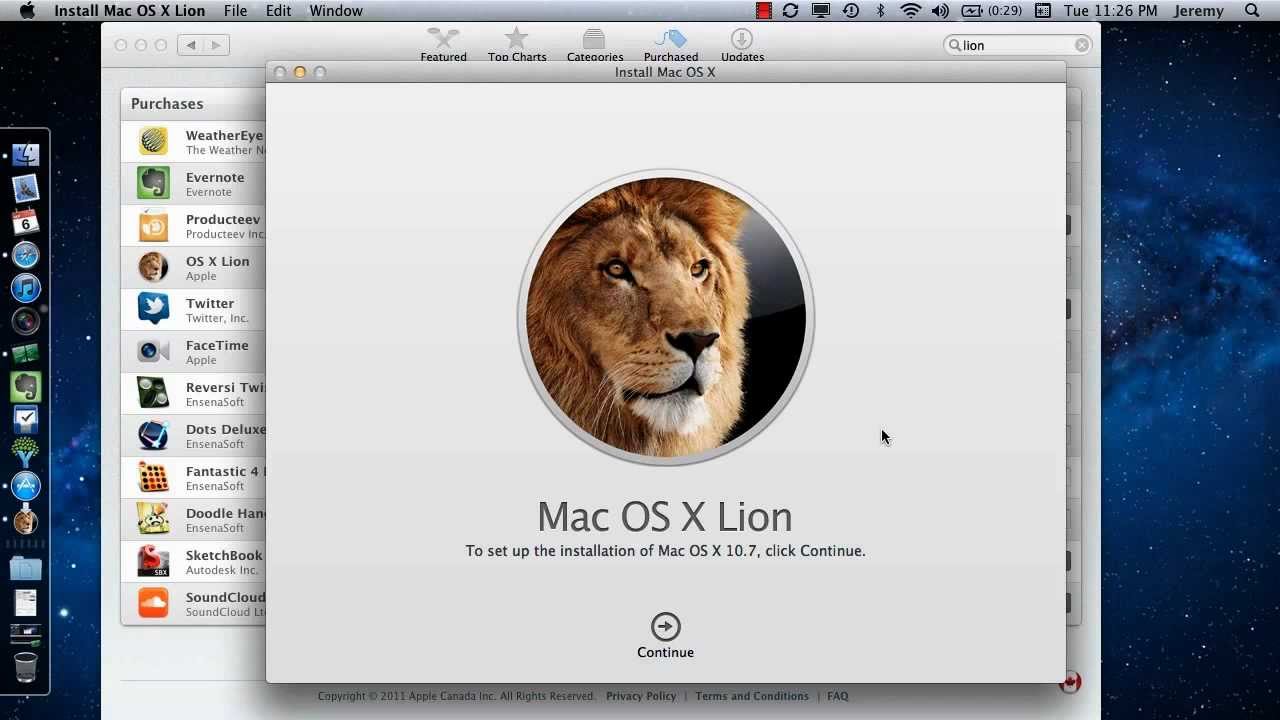
macOS Catalina iso download, macOS Catalina VMware image download, mac os Catalina iso download to get VirtualBox, mac os Catalina DMG picture, macOS Catalina Virtualbox, VMware, mac os Catalina bootable iso download, macOS 10.15 Catalina iso download. Installing Catalina is quite easy. It requires a few measures and some distance on the startup disc. But that is not the whole procedure that is done for the setup procedure. However, before that, there are various additional steps to take you personally at the installation place. There are some needs to be walked through.
Read More:
How To Install MacOS Catalina On Unsupported Mac
How To Download Macos Catalina Dmg File Ver-10.15.4 (Direct Links)
How To Download Macos Catalina Iso For Vmware & Virtualbox: Direct Links
How To Download Macos 10.15 Catalina Iso + Dmg + Vmdk
How To Install MacOS Catalina On VirtualBox On Windows: 8 Step Ultimate Guide
How to Speed Up macOS Catalina? 7 Easy Methods
These demands are less but very important and hard to achieve. Of all those things, what’s hard to reach is the Catalina file. This specific file is available on the App Store. The DMG file used to install Catalina on Mac. But that isn’t suitable to receive all of the time. It requires you to register up with your Apple ID, enroll your Mac, set up the macOS Public Beta Access section. That’s the procedure for installing Catalina on Mac, which is quite different from installing Catalina on Windows. Go on and Download macOS 10.15 Catalina ISO + DMG + VMDK.
For this job, we have covered you up with the file and some more files. Those would be the ISO and VMDK records of Catalina, a pretty handy good file for installing Catalina on machines, whether VMware or VirtualBox. They are not available everywhere, and the Catalina DMG or ISO file will not work because of this. So take your time and revel in the files!
Disclaimer: This site is entirely copyright protected. If anything from this site is copied somewhere, the website has to be credited, obviously. Otherwise, the site that replicated the content will probably be addressed to the corresponding copyright legislation or at least some search engines such as Google and Bing. Each of these files served with us is particularly created for analyzing & instructional purposes, so we cannot be liable if the files are misused. Start with Download macOS 10.15 Catalina ISO + DMG + VMDK.
There are two methods to download macOS Catalina ISO To Get VMware & VirtualBox. The first one would be downloading a macOS Catalina ISO VMware picture from the App Store, which is from Apple but requires a couple of added things. The next one is that we provide Catalina’s latest variation to obtain macOS Catalina VirtualBox image but in a simpler and convenient system to save time and utilize more.
I am sure the process isn’t easy and works for everyone. You might face these common errors when installing MacOS X On VirtualBox On Windows- Here is a complete guide that will help you fix those errors-
Complete Guide To Fix VirtualBox Errors While Installing Mac OS X
How to Speed Up macOS Catalina? 7 Easy Methods
macOS Catalina VMDK file- Old files as well
Installing Catalina is pretty simple, but that’s not the case with downloading. This procedure appears very simple, requiring several clicks, that’s right, but it matters where you would catch up in the file. That is what makes it hard. So we’ve cut you to the chase and right to the stage, download macOS Catalina ISO to get VMware & VirtualBox out of here.
Mac Os Bootable Iso Download
When there’s an issue with downloading macOS Catalina ISO for VMware & VirtualBox, you could always correct download macOS Catalina ISO or make macOS Catalina ISO to download Catalina to a virtual machine.
Whether or not you wish to make a bootable USB for Hackintosh or Mac or would like to install it on your Mac immediately, the document is ready to download. Getting the DMG file of Catalina and previous models has always been difficult. However, we have covered up you with the file with this shot, secure and working. Download macOS 10.15 Catalina DMG now.
Bootable Iso Linux
macOS Catalina DMG File January 4, 2021 (Recently Updated)
The Catalina is accessible at the App Store app, but that requires an Apple ID. Enrolling your Mac plus a couple more staff, that’s quite frustrating. In cases like this, we have brought you that the macOS Catalina DMG file doesn’t require those unnecessary staff. Click the link to Download macOS 10.15 Catalina DMG.
Since we all get macOS Catalina ISO to get VMware & VirtualBox document to put in macOS Catalina on VMware, Catalina’s VMDK file is utilized to install Catalina on VirtualBox and install Catalina on VMware Workstation Player. This document is so essential for the setup which produces the installation possible. This document isn’t accessible on App Store neither anywhere else. We’ve created and uploaded to the servers to use it much easier for our customers.
macOS Catalina ISO for VMware & VirtualBox (Recently Updated)
Significant: While the documents are totally secure and handy to obtain from anyplace, we will keep the pictures updated if a newer version is released. This applies to all of the documents which are served with people.
Here are some- Common macOS Catalina Problems and Solutions: 11 Key Errors and their Fix
Mac Os Bootable Iso Download Windows 10
This document works to install Catalina on VMware and VirtualBox, so have a copy of it and appreciate it.
Mac Os Bootable Iso Download Torrent
After you have accomplished together with the tricky part, you’re now ready to step forward.
Mac Os X Bootable Iso Download
There are several places to install Catalina, including installing Catalina on Mac and installing Catalina on Windows. Since installing Catalina onto Mac is simple with the required file that takes a few straightforward wizards to proceed, there is no need to display it again. Before installing, make sure you take an entire copy of your Mac.