The Mac version of the Microsoft office 2019 was released for the Mac users to make sure that there were no issues with regard to using the tools in any operating system. There were a lot of features that made Microsoft office 2019 a staggering success upon its release. With a great package of features, it is definitely the best official use.
Download Microsoft Office 2019 Mac Full Version – A set of applications to support your office needs. Developed by the Microsoft company, now MS Office 2019 software can be used by Mac users for free. Especially for those who have updated to the latest Big Sur and Catalina macos in 2020. Microsoft Office 2019 consists of Outlook, OneNote, PowerPoint, Word, Excel. This version of the software has fully supported the previous version file format. So if you have documents that were saved from Office 2016 or earlier, you can open and edit in this latest version of the program.
In terms of utility and usage there is not much to change. But there are some additional features that you can find within each program. For example in MS Word, MS Excel, Powerpoint Mac. There is also one feature that adapts to the macOS Big Sur and Catalina update, the Focus Mode. With this new feature, you can dim the interface so that it will look darker than the document or work area. Do you want to try this software on your mac? Check out the Microsoft Office 2019 Mac free. download full version below.
Microsoft Office 2019 Mac Full Setup Details Crack
- Office Home and Student 2019 is for students and families who want classic Office apps including Word, Excel, and PowerPoint for Windows 10. A one-time purchase installed on 1 PC or Mac for use at home or school.
- Nov 26, 2018 Clicking on the Download button will download the Outlook 2019 disk image file (.DMG) onto your Mac. To install Outlook 2019 on Mac: Double click the.DMG file to mount the disk image. It will show up in Finder Devices as Outlook 2019 Mac. This mounted image contains two.PKG files: the Microsoft Outlook 2019 Installer and Microsoft Office.
- Software Full Name : Microsoft Office 2019 Full Version.
- Setup File Name : msoff2019mac1645VL.zip.
- Full Setup Size : 1.75 GB.
- Setup Type : Offline Installer with Crack.
- Compatibility Architecture : MacOS.
- Latest Release Added On : January 23th, 2021.
Microsoft Office 2019 Mac System Requirements
| Operating System | MacOS | Up To Big Sur |
|---|---|---|
| Processor | Intel Processor 1Ghz+ | Intel Processor 3Ghz+ |
| Memory | 2GB DDR3 | 8GB DDR4 |
| Hard Drive | 10 GB – 7200 RPM HDD | 10 GB – Solid State Disk |
| Graphics Card | Integrated GPU | Dedicated GPU Card |
| Screen Resolution | 1366×768 | 1920×1080 |
Microsoft Office 2019 For MacOS Features
Download Office 2016 For Mac
- Advanced presentation features.
- More powerful data analysis.
- Improved inking features.
- Full Retina display support, Office documents look sharper and more vibrant.
- Easier email management.
- Outlook streamline workflow and email drafting.
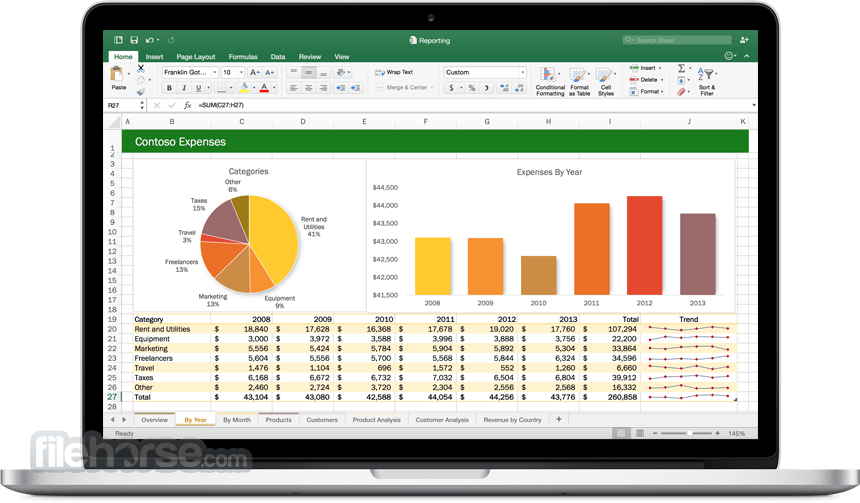
- Excel new formulas and chart options.
- Focus mode, darkens and reduces UI elements.
- Ability to receive various information about the subject of the article.
- Added new charts, charts and tables to Excel.
- Automatically and continuously backup various documents in the software and save them online.
- Data Loss Prevention and prevent sudden data loss in abnormal conditions.
- MS Office 2019 Mac support macOS Catalina and Big Sur.
Office 2019 Mac System Requirements

Dnmidwest.hunnybee.co › Requirements-for-microsoftRequirements For Microsoft Office 2019 For Mac
How to Install Office 2019 MacOSX Full Crack
- Download Microsoft Office 2019 Mac full version down below.
- Mac users, don’t forget to Disable SIP and Allow Apps From Anywhere.
- Turn off the internet connection on your mac.
- Unzip file to desktop.
- Run the Installer file to start installation.
- Then, VolumeLicense to activate office.
- Enjoy Bro!
Download Microsoft Office 2019 Full Crack MacOS Big Sur
Microsoft Office 2019 Mac | FileUpload | GDrive | UptoBox

File Size : 1.65 GB | Password : www.yasir252.com
Zotero


- macOS 10.11 or later, including Catalina and Big Sur 1)
- Linux
Zotero Connector
- Firefox 52 or later
- Safari 10–12 (beta version available for Safari 13–14)
Word Processor Plugins
Word for Windows
- Word 2010-2019 or Office 365, excluding Word 2010 Starter Edition
Word for Mac
Office 2019 For Mac System Requirements
LibreOffice
Office For Mac Os Requirements
- Java Runtime Environment (JRE) or Java Development Kit (JDK)
- You will generally be prompted to install a JRE automatically upon installation if necessary. Some Linux users may need to install the JRE included in their distribution.
- On macOS, LibreOffice requires the JDK, not the JRE. See the troubleshooting instructions for more information.