A few weeks ago, I wrote an article sharing how to read driver’s license information from PDF417 on Android. Comparing to building an Android native camera app, building a web camera app is much easier. In this article, let’s take a glimpse at a JavaScript sample, which is implemented with a few lines of code by invoking Dynamsoft web barcode SDK.
About Dynamsoft Web Barcode SDK
- I am trying to generate US DL barcode. I've tried to read the original barcode with barcode parser, convert it to ASCII string, and re-generate a new PDF417 barcode with that string. The result barcode image was different with the original one. I've also tried to parse it and many online parsing tools worked well.
- The 2d barcode is the one on the bottom in the picture. Most states use the PDF-417 (Portable Data File, with 17 modules each containing 4 bars and spaces, thus 417). Edit the barcode so that it is exactly 2000 or less pixels long because that is the maximum the program will allow, and save it.
- Free PDF417 Barcode Image Creator This Barcode Creator uses the free version of the Dynamic Barcode Generator Subscription to easily produce downloadable barcode images. The free version of this product includes a watermark under the barcode.
All barcodes (majority) compliant with Mandatory PDF417 Bar Code of the American Association of Motor Vehicle Administrators (AAMVA) Card Design Standard from AAMVA DL/ID-2000 standard to DL/ID-2013 shall be designated as AAMVA. Mandatory on all driver's licenses. AAMVA Version Number.
Installation
The JavaScript barcode library is available for download on npmjs.org.
You can either download the package via
or include the online JS file directly in your HTML file:
Building a Web Barcode Reader in less than 30 Seconds
Dynamsoft JavaScript barcode SDK is based on WebAssembly, which brings the high performance of barcode scanning functionality to web developers. Besides, it provides built-in camera module APIs. With the deeply encapsulated JavaScript SDK, you will find making an HTML5 barcode scanner with cameras can never be such convenient.
To quickly build a web barcode scanner app, copy the following code to your HTML file:
Note: you are authorized to use the SDK for 7-day free trial. To get more trial days, please apply for a 30-day trial license and update the line:
Parsing Driver’s License Information Based on AAMVA Standard
For better balance the accuracy and performance of decoding PDF417 symbology, you’d better make some parameter configurations according to the online documentation:
The last thing is to create a JavaScript parser for extracting driver’s license information based on the AAMVA standard:
To save time, you can use alert() to show driver’s license information:
Source Code
If you’ve renewed your driver’s license any time in the last few years, you have likely noticed an increase in its visual complexity. Many governing bodies have made significant strides towards making forgery more difficult. The unfortunate side-effect from that positive change is that traditional recognition algorithms are more difficult with the many colors, backgrounds, holograms, and layouts.
Thankfully, new driver’s licenses also have PDF417 barcodes on them, and in North America, follow specifications laid out by the American Association of Motor Vehicle Administrators (AAMVA). These barcodes are small, error resistant, and can encode a lot of information.
This tutorial will introduce you to the classes and methods for both reading and writing AAMVA-compliant barcodes from Driver’s Licenses.
Reading AAMVA Barcodes
Since Driver’s Licenses are so broadly accepted as forms of identification, there are a wealth of opportunities for reading the information from them. We covered those concepts in an earlier white paper on Capturing Customer Information from Driver’s Licenses, so we won’t repeat them here. That paper also discussed using the PDF417 barcodes before they were regulated by AAMVA. Since then, LEADTOOLS has added a new AAMVAID class which does all the field parsing for you.
What’s the big deal? Take a look at the raw data for an AAMVA barcode:
Where’s the name? Or the birthdate? Do you need to calculate if this person is over 21 and legally allowed to make a purchase? With LEADTOOLS, you can get that kind of information in beautiful, strongly typed properties:
Writing AAMVA Barcodes
There may be fewer reasons for generating AAMVA barcodes, but every motor vehicle agency in every state or province in the United States, Canada, and Mexico needs the ability to print them on the licenses they issue. Naturally, you can’t just print any old barcode onto licenses and IDs. As with most specifications, they are hard to follow and can cause a significant development roadblock due to the R&D requirements. LEADTOOLS simplifies this in two ways: generating the AAMVA string and creating the PDF417 barcode.
First, you need to convert your customer data into a valid AAMVA string value. To aid in this process, LEADTOOLS provides the AAMVAIDBuilder class. The builder will help organize the data and output it conforming to the 2016 AAMVA CDS. Here we initialize the AAMVAIDBuilder, add some information and then use the Build function to generate the AAMVAID object:

Now that our customer’s information is correctly encoded for AAMVA, we will create the PDF417 barcode. Thanks to LEAD’s nearly three decades of experience in with raster and document imaging technologies, this process is even simpler than writing the AAMVA string despite the barcode’s greater complexity. Here we generate the BarcodeEngine, set a few options to help the proportions make AAMVA happy, and LEADTOOLS takes care of the rest. In this simple case, we simply created a blank image using the calculated bounds of the barcode:
As a check, we’ll load the image back into the Main Barcode demo like before and read the data.
Change the World! (or at least your DMV...)
Pdf417 Barcode Generator Driver's License
credit: Giphy and Walt Disney Animation StudiosReading is actually the easy part. Most of you on this blog are pretty keen and might've picked up on how the raw data in that string worked and thought, 'I could parse that!' As mentioned previously, the biggest catch out there is adoption. It's one thing to figure out how to parse some values from a long text string, but writing them out correctly and following the AAMVA spec is what's really holding states and countries back. LEADTOOLS makes it incredibly easy to make sure your data follows the specifications, AND can write the barcode. So get out there and code something that's so easy, even a sloth can do it!

Conclusion

LEADTOOLS has a history of staying on the forefront of document imaging and recognition technologies like OCR, Forms, Barcode, and PDF. Driver’s licenses and IDs have become far more complex, yet better regulated with the adoption of AAMVA barcodes. LEADTOOLS will stay a viable option for developers wanting to quickly and easily create software to read and write identification data stored in AAMVA barcodes.
Download the Full AAMVA Barcode Example
Pdf417 Barcode Generator Driver License
You can download the fully functional demo which includes the features discussed above. To run this example you will need the following:
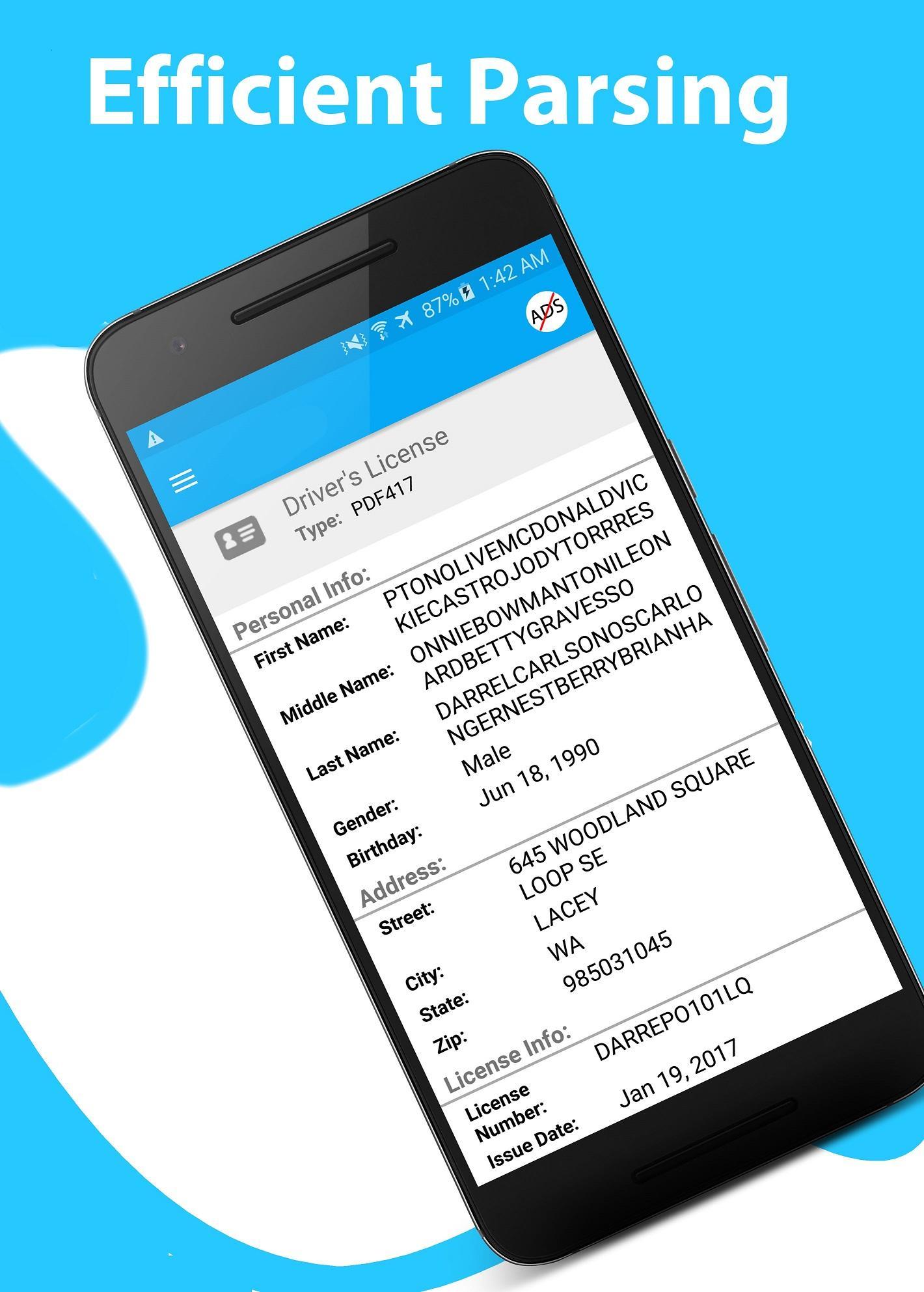
Aamva Pdf417 Barcode Generator
- LEADTOOLS free evaluation
- Visual Studio 2010 or later
- Browse to the LEADTOOLS Examples folder (e.g. C:∖LEADTOOLS 20∖Examples∖) where you can find example projects for this and many more technologies in LEADTOOLS.
Pdf417 Barcode Driver's License Generator Software
Need help getting this sample up and going? Contact our support team for free technical support! For pricing or licensing questions, you can contact our sales team (sales@leadtools.com) or call us at 704-332-5532.