Question or issue on macOS:
Setting up some web development stuff with a friend, he’s using Versions SVN (paid for by his company) which looks fantastic but is a touch pricey.
Mac System 7 Emulator For Os X Free Svn Client For Mac Os X Free Powerpoint Software For Mac Os X D Link Dwa 125 Driver For Mac Os X Oracle Xe For Mac Os X Download Onyx For Os X 10.6 8 Avg Antivirus For Mac Os X 10.5.8 Enable Bootcamp To Install From Usb For Os X 10.9 Adobe Photoshop Cs3 For Mac Os X 10.4.11. Mac Os X 10.7 Download Free. So something’s wrong with OS X’s Perl installation. I couldn’t figure out what exactly, but configuring SourceTree to use your system’s Git installation (instead of SourceTree’s built-in version) seems to do the trick. Here’s how: Git-svn Mac Os X. Open SourceTree Preferences. Closed 8 years ago. I am using a MacBook Pro running Mac OS X 10.5. I am new to this development environment, and previously worked on Windows. I find there is no TortoiseSVN for Mac PC, and I am wondering any alternative (better free and easy to use GUI tools) tools for Mac? Macos tortoisesvn version-control.
I was tempted by SVNx but if I’m honest don’t like the idea of using command line at all – much prefer a nice and easy to use GUI.
Mac Os X 10.0 Download
I don’t mind paying for it if I have to, but I was wondering if there were any really good alternatives? We’ll be using Springloops as an SVN fwiw.
How to solve this problem?
Solution no. 1:
EDIT : Use iSVN as its free
Take a look at RapidSVN. They have a build for the Mac OS.
Note : not supported for mac os 10.8.3 anymore
Solution no. 2:
If you have installed Xcode
File -> Source Control -> Repositories
or in the startup window of Xcode
Also you can press in Xcode
Mac Os X Installer Download
Cmd+Shift+2 and select repositories.
Solution no. 3:
If you are looking at the SVN package, Collabnet has it
If you are looking for GUI Client (Open source)
Rapid by Tigris
http://rapidsvn.tigris.org/
SVNX by La chose
http://code.google.com/p/svnx/
SCPlugin by Tigris
http://scplugin.tigris.org/
SmartSVN by Syntevo
https://www.smartsvn.com/
If you are looking for free GUI (non-open source)
Sourcetree
http://www.sourcetreeapp.com/
*note this is a mercurial/git versioning. If you are connecting to a remote SVN server. It works. It converts it locally to mercurial/git.
I personally find sourcetree to be most generally suitable for most versioning tools.
Solution no. 4:
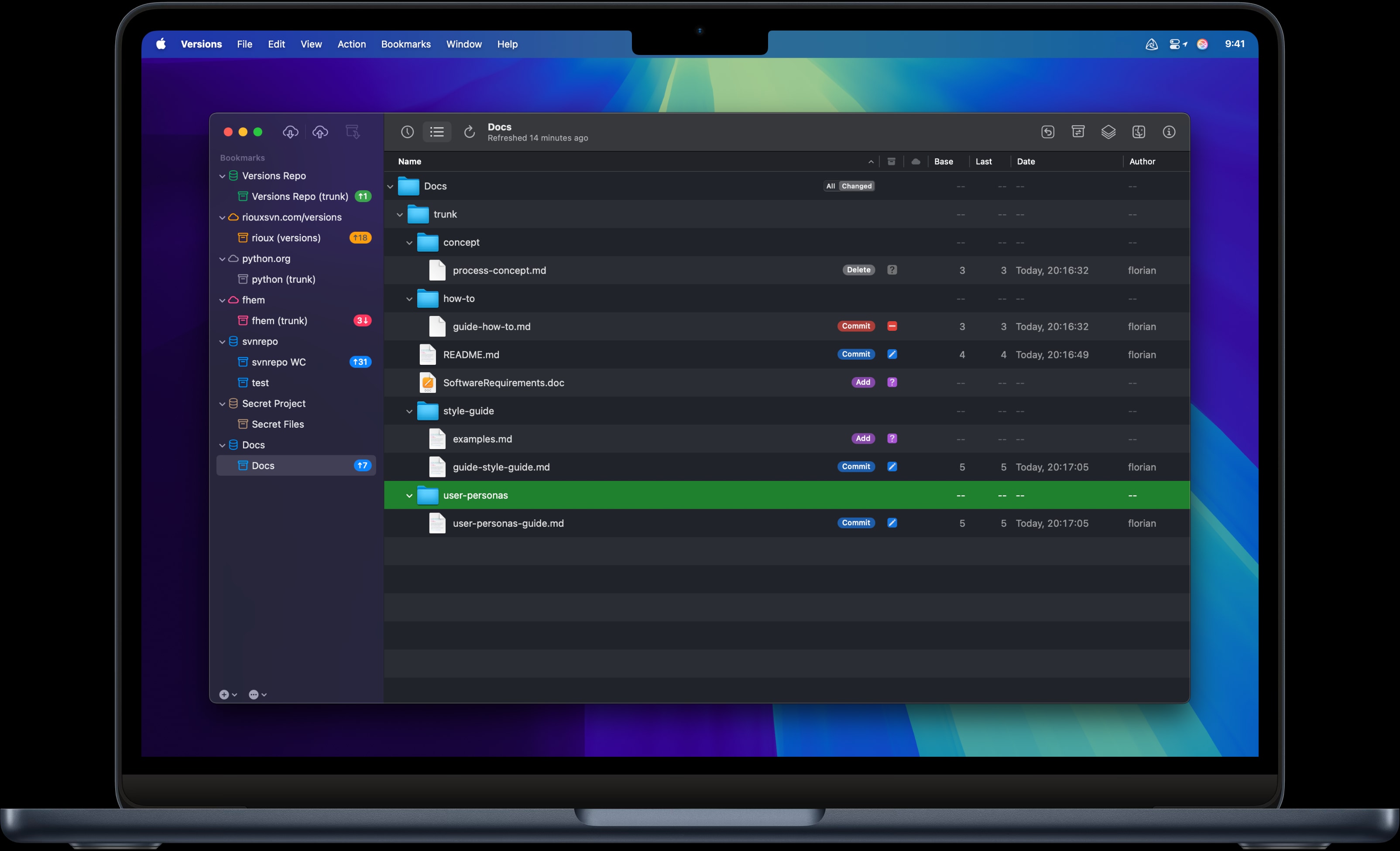
It’s not Mac OS X native, but you can give Eclipse’s SVN client a try. It works on Mac OS X, and it’s pretty good.
Solution no. 5:
Best Os X Operating System
I was also after a free SVN app, I tried a few different solutions, but none of them quite hit the mark. To start with I was excited by svnX, but then it’s really confusing how it treats ‘working copies’ and ‘repositories’ differently – I still am not quite sure exactly when/why to use which of the multiple windows. It seems to cover everything, but just not fluently.
You know what I’ve ended up using? Netbeans
I’ve been using it as my IDE for a while now, and have always liked it, but I didn’t use it for SVN while on my PC (I preferred the Tortoise SVN interface). But now on OSX I’ve been after something that has similar functionality and I was very surprised to find that Netbeans seems to be perfect! All I was after was a single browsable file tree that you can right click and apply all the familiar commands (update, commit, revert, search history, diff against other versions) etc, and netbeans has it all. It’s actually really thorough, logical, familiar and complete. It’s surprisingly similar to Tortoise in the general navigation & interface (minus the pretty icons of course) – but I’m impressed. Give it a shot!
Macos Svn Client Free
Solution no. 6:
Free Svn Client For Mac Os X
I propose you JEdit with SVNPlugin.