- Text Editor Software For Mac Free
- Free Html Text Editor For Mac
- Html Text Editor For Mac
- Free Pdf Text Editor For Mac
- Free Html Text Editor For Mac
Whether you want to create a site from scratch, edit a CSS file or make some quick edits to your website template, a good, solid text editor is just what you need.
List of 11 Best Text Editors For Windows, Mac, Linux & More. BBEdit (Previously known as Text Wrangler) Price: Free Platform: Mac. Among all the text editors for Mac, BBEdit is definitely one of the oldest. BBEdit brings with it a very intuitive, user-friendly interface that makes it super smooth to browse files and work on projects. Top 10 Free Text Editors for macOS 10.15. This is one of the most popular text editors for Mac OS X 10.15 and the reason is very simple; it has a lot of very useful features. For example, it is a very easy to use, has features that allow for folding and syntax highlighting and it has a very high level of customization. Free Text Editor For Mac free download - Free Voice to Text, Expstudio Audio Editor Free, Free JavaScript Editor, and many more programs. We all use text editors to take notes, save web addresses, write code, as well as other uses. Every operating system comes with a default, basic text editor, but most of us install our own enhanced text editors to get more features.
But, it’s kind of tough to choose the best text editor, isn’t it?
We mean, there are just so many options to choose from.
How would you know which one is the right choice for you?
Perhaps someone recommended you a text editor, but you found it hard to use?
Or maybe you downloaded a text editor that had great reviews, but it didn’t work out well for your needs?
No matter what brought you here, one thing is for sure.
You want to know more about text editors that can increase your efficiency, productivity, and performance.
In this blog, we’ll tell you all about the best text editors by taking into consideration what is most popular, easy to use, and affordable!
But first, let’s start with learning what text editors are (For those who’ve just begun their coding journey!)
What Exactly are Text Editors? (Definition)
Text editors, sometimes called code editors, are applications that allow you to create and edit a range of programming language files.
In short, text editors are the place where you write your code!
There are a few things that all great text editors have in common:
- Easy to code without formatting issues corrupting it.
- Easy to use and navigate.
- Customizable appearance, such as modifying font size, color schemes, and more.
- Plugin mechanisms.
- Ability to handle UTF-8 encoded text.
- Syntax highlighting, which makes it easier to read codes and pick up any errors.
The point being, it doesn’t matter whether you’re coding with a Windows, Mac, or Linux PC; a good text editor should be easy to use and do the job the way it was intended to be done!
Now, let’s get to what you came for – the most solid text editors out there.
List of 11 Best Text Editors For Windows, Mac, Linux & More
1. BBEdit (Previously known as Text Wrangler)
Price: Free | Platform: Mac
Among all the text editors for Mac, BBEdit is definitely one of the oldest.
BBEdit brings with it a very intuitive, user-friendly interface that makes it super smooth to browse files and work on projects.
It supports 44 programming languages, including HTML, Python, VBScript, JavaScript, Perl, and more.
This text editor has been exclusively designed and crafted for the purpose of editing, searching, transforming, and manipulating text.
Key Features:
- Auto indentations.
- Syntax highlighting for many programming languages.
- Advanced search and replace tools.
- Supports comparison of text files.
- Integrates smoothly into existing workflows.
2. Brackets
Price: Free | Platform: Windows, Mac OS, Linux
The best way to move ahead in web development is by unifying and creating links between design and implementation.
Brackets, a text editor developed by Adobe, helps you do exactly that.
The best feature that separates this lightweight and modern text editor from others is “Extract”.
Using this feature, you can pick colors, measurements, fonts, gradients, etc. from a photoshop file and convert it into a ready-for-web CSS.
Key Features:
- A clean and minimal user interface.
- Automatically highlights code syntax.
- Easily customizable.
- Inline editors for faster access to a specific part of code.
- Real-time visualization.
3. Visual Studio Code (VS Code)
Price: Free | Platform: Windows, Mac OS, Linux
Visual Studio Code belongs to the family of the tech giant Microsoft. It is known to be one of the most fully-featured and well-rounded text editors out there.
This extensible, open-source text editor supports a wide selection of programming languages and frameworks, from the familiar C and C++ to modern languages like Go and Rust.
One of the most time-saving features of VS Code is its infusion with AI. All of the code and text that the developer writes in this text editor is automatically read by the software.
As a result, it creates auto-responses for code writing based on essential modules and variable types!
Key Features:
- Built-in debugger.
- Makes it simple to work with Git and many other SCM providers.
- Comes with built-in support for web applications.
- Split views and zen mode.
- Detects incomplete snippets of codes.
Read more: Top 11 Code Editors for Software Developers
4. Notepad++
Price: Free | Platform: Windows, Linux, and UNIX.
Developers all over the globe have been using Notepad++ for quite a while because it’s far simpler to use, and doesn’t come with too many bells and whistles.
Jam-packed with many features, Notepad++ has an amazing execution speed, making it apt for modern machines.
This text editor supports more than 50 programming, scripting, and markup languages, including syntax highlighting and code folding.
You can even define your own language, a first among these text editors!
Key Features:
- Auto-completion: Word completion, Function completion.
- Multi-language environment support.
- A lightweight application that launches quickly.
- Tabbed editing and collaborative editing.
- Auto-saving.
5. Komodo Edit
Price: Free | Platform: Windows & Mac
Komodo Edit is a powerful yet simple-to-use text editor.
If you don’t need a high-end text editor and just want to get smaller projects done, Komodo is a perfect choice.
But, if you need a little more advanced tools like unit testing and code profiling, there’s something called ‘Komodo IDE’ that does the trick.
This upgrade supports all the languages and frameworks, making it ideal for web development.
The best part? Even the upgrade doesn’t cost you anything because it’s also an open-source project!
Key Features:
- Two separate versions – one for light users and another for advanced power users.
- Real-time code collaboration. (Komodo IDE)
- Multi-language editor with skin and icon sets.
- Track changes and make multiple selections.
- Plenty of integrations like Gulp, Grunt, Yarn, and Vagrant. (Komodo IDE)
6. Vim
Price: Free | Platform: Windows, Mac OS, Linux
For old-school programmers and keyboard enthusiasts, Vim is a go-to text editor.
Vim has a rich history – it originated from the Vi editor (1976), and it’s still being upgraded today.
This text editor is used entirely via the keyboard, making everything much faster and more efficient – but only if you put some effort into learning how to operate it.
Vim can take your coding productivity to heights if you have the time and patience to learn it.
Key Features:
- Work on multiple files at the same time.
- Supports many programming languages and file formats.
- Powerful search and replace.
- Great and extensive plug-in support.
- Exceptionally low memory footprint.
Read more:13 Programming Blogs and Websites to Improve Your Coding Skills
7. Espresso
Price: $99 | Platform: Mac
Espresso comes with a beautiful interface and is a really powerful text editor.
This text editor is beginner-friendly but provides lots of wonderful features for advanced users as well.
The latest version of Espresso has a ‘Clodette’ menu. It helps you edit and sync servers automatically, as well as publish your content quickly.
That means you don’t need to spend so many hours trying to configure an unstable server!
Key Features:
- Extensive plug-in API for formatting, syntaxes, and more.
- XRay preview to quickly make changes.
- Drag and drop code snippets.
- Live preview of your design while you code.
- Effortlessly navigates your code structure.
8. Sublime Text
Price: $80 (Free Indefinite Preview) | Platform: Mac OS, Windows, Linux
Sublime Text comes with all the features you would expect from a powerful text editor, and a lot more.
Just like Vim, it is lightweight and ready to edit your file as soon as you give the command. This awesome responsiveness is one of the things that makes it the best text editor of its kind.
But remember, if you want to get the most out of Sublime Text, you need to install some extra plugins.
Key Features:
- Edit multiple files simultaneously.
- Extremely extendable.
- Supports split editing.
- Powerful API and package ecosystem.
- Auto indentation.
9. Atom
Price: Free | Platform: Windows, Mac OS, Linux
Atom has been created by developers for developers.
It is a ‘hackable’ text editor, and what it means is that it allows new programmers the opportunity to create their own text editor without years of programming expertise. How cool is that?
Just like WordPress, Atom users can submit packages and themes for the software, increasing collaboration among developers.
Earlier, Atom had many performance and stability problems, but those have diminished significantly as new versions came out.

Key Features:
- Smart options for auto-completion.
- Cross-platform editing.
- Integrated with Git & Github.
- Built-in package manager.
- Thousands of plugins available.
10. BlueFish
Price: Free | Platform: Windows, Mac, Solaris, FreeBSD, Linux.
Bluefish is a powerful text editor that is mainly for experienced web designers and programmers.
Even though BlueFish is an ultra-fast text editor that supports many programming and markup languages, its main focus is on editing dynamic and interactive websites.
This text editor is so efficient that it loads a complete website within a second!
If you are a fan of text editors that don’t take their sweet time to run your commands, then Bluefish is a text editor that was designed with you in mind.
Key Features:
- Multithreaded support for remote files.
- Supports nearly every programming language.
- User-customizable toolbar for quick access to most used features.
- Multiple document interface (Easily open 500+ documents).
- Auto-recovery of changes after a crash or shutdown.
11. Textmate
Price: Free | Platform: Mac
TextMate is a high-end source text editor developed only for Mac OS.
This super cool and versatile text editor comes with a unique and innovative feature set.
TextMate includes ready-made libraries of text snippets that you can reuse for almost every programming language.
Without a doubt, if you are looking for an amazing free text editor for Mac, you should consider TextMate.
Key Features:
- Easy clipboard management
- Auto-indent for common actions.
- Visual bookmarks to jump between places in files.
- Features Marcos that eliminate repetitive work.
- Foldable code blocks.
Wrapping Up
When you start coding, you shortly realize that text editors are your best friends.
But, finding the right text editor is a tough call to make when you’re starting out.
If you pick a simple text editor, it might help you learn the basics, but you’ll face difficulties as you start working around complex codes.
Similarly, if you start out with a highly complex text editor, it’ll definitely hinder your learning process, and you might even start losing interest in coding.
In the end, it all comes down to balance.
So, keep this in mind: The best text editor for you is ultimately what makes YOU most productive. Experiment and explore to find out which works the best for you!
Also, if we missed out on any of your favorite text editors, let us know by tweeting us @bit.ai. We’d be happy to include it on our list!
Further reads:
2020-12-28 17:34:15 • Filed to: macOS 10.14 Solutions • Proven solutions
We all use text editors to take notes, save web addresses, write code, as well as other uses. Every operating system comes with a default, basic text editor, but most of us install our own enhanced text editors to get more features. In this article, we’ve gathered links to many different text editors used for different purposes.
From a general perspective, while looking at text editors for macOS 10.14, we are not specifically referring to the text as we have it in the document text. A large chunk of text editors on the market, particularly those that offer greater capabilities, will turn out to also come with extremely robust features for code compiling. This is where their true potential lies. Today, we will look at 10 best free text editors on macOS 10.14.
- Bluefish is a free text editor. It can be used on many operating systems like Windows, Linux, Mac OS, and Solaris. This easy to use system can be used for programming and websites developments. Bluefish can be used for.
- Sublime Text is another promising coding editor for Mac OS. Initially, many coders and other users are interested in the flexible interface settings and quick change of layouts during a coding process. Sublime can be operated with several tabs and pages switching promptly from file to file.
Top 10 Free Text Editors for macOS 10.14
1. Brackets
This is a free text editor macOS 10.14 that is open source and maintained by Adobe Systems — one of the major companies in the industry. One of the outstanding features of Brackets is its beautiful interface. Its unique Extract offering lets you grab font, gradients measurements, and so on from a PSD file into a CSS that is clean and ready for use on the web.
Pros
- It comes with extension support which contains a huge and growing library
- Brackets have inline editors and previews
Cons
- It is slow
- Brackets still do not have certain elementary text editor commands
- Its updater is problematic
2. TextWrangler
Developed by Bare Bones, TextWrangler is another best text editor on macOS 10.14. This tool can be regarded as a lightweight version of BBEdit, also designed by Bare Bones. It has all the features needed by hardcore developers to carry out operations in specific columns in a CSV, or in a server admin for scriptwriting.
Pros
- It offers basic text editing as well as manipulations
- TextWrangler is a free yet ideal alternative to BBEdit
- It has an inbuilt FTP or STFP browser
- It is robust and fast to start up
Cons
- It isn’t maintained any longer
3. Vim
This software is a command line-based text editor for macOS 10.14. One of the most renowned text editors on the market, Vim does not have a steep learning curve. It features a stack of documentation that assists a user in learning how to use the app conveniently. Vim is designed with a quick reference, help documents, along with a tutorial that runs for 30 minutes to get you acquainted with it.
Pros
- It has capabilities and features for command-based text editing
- It is easy to use
Cons
- Vim requires great effort to customize
- It offers poor support for external tooling
4. Komodo Edit
It is an open-source text editor on macOS 10.14 that is free and offers a powerful user interface. Komodo Edit is a fantastic tool for writing code and carrying out other operations. The software provides many useful tools, which help you edit, like the capacity of tracking changes, multiple sections, autocomplete, and skin and icon sets.
Pros
- It is an extremely professional and comprehensive tool
- It has inbuilt FTP
- Free and open-source, Komodo Edit supports a limited Vim mode
Cons
- It isn’t very lightweight
- It includes project files to project code
5. Sublime Text
Though this app is a commercial text editor to create text file macOS 10.14, it has an evaluation version that can be used for an unlimited period; this makes it free in reality. Sublime Text features a Python Application Programming Interface and allows multiple languages. Furthermore, the software’s capabilities can be enhanced with the aid of plugins, which are often developed by communities and offered via free software licenses.
Pros
- Sublime Text comes with an easy-to-use interface
- There are 22 different themes you can select from
- It has a distraction-free mode, consisting of placing only the text in your screen
Cons
- It does not allow printing of files
- Sublime Text 10.14 has inadequate language support
- It takes time to load large files on Windows
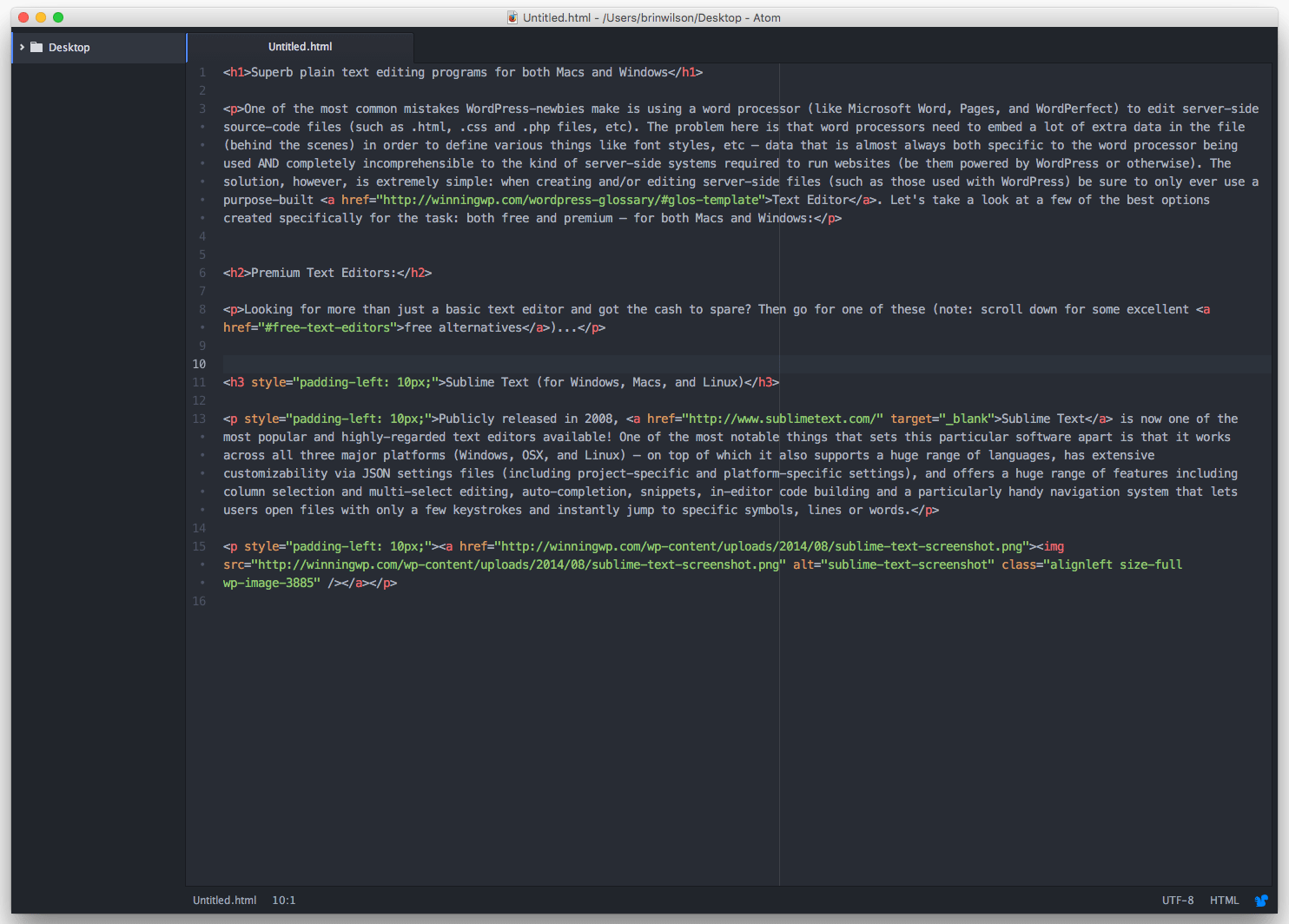
6. Atom
This is another free text editor macOS 10.14 that is written in Node.js as well as embedded in GitControl. Atom can be employed either as a plain text editor or as a source code editor. By using plug-ins, the software works well in several languages, including HTML, Objective-C, C/C++, CSS, Java, Go, JavaScript, C#, PHP, Python, and many others. This makes it a versatile tool for a lot of developers.
Pros
- It allows multi-tabbed editing, multiple panes, and auto-completion
- The software offers a user interface that is friendly
Cons
- It does not have text UI
- It is extremely slow to start-up
7. TextMate
TextMate basically employs the extremely robust capabilities of the UNIX command console in a user-friendly and neat GUI. This provides you with the best of the two worlds — as a committed programmer or a beginner code user. TextMate integrates features such as auto-indentation, search and replace within the project, dynamic outlines, column selection, among others.
Pros
- The program features an extensive library of plugins
- It is free and open-source
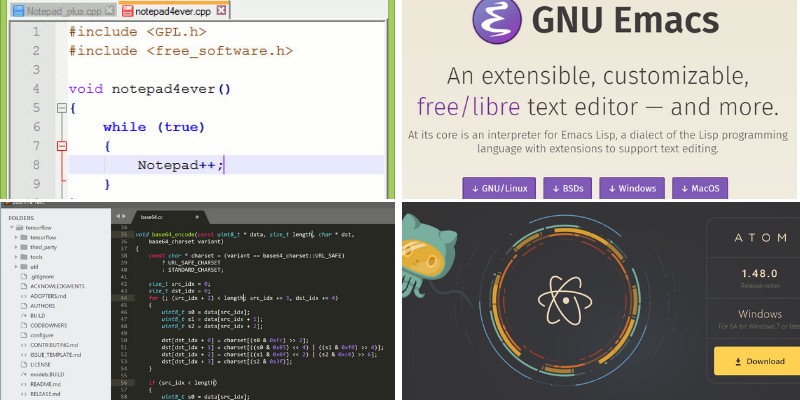
8. GNU Emacs
Emacs, first launched in 1976, is popular for its unique techniques for getting the job done. It employs a programming language called Emacs-Lisp, which has the most fundamental functions of editing for expanding the capabilities of the program beyond its humble text-based origin. Some of these expansions are an email client, file manager, newsreader as well as games such as Tetris and Snake.
Pros
- It can be entirely controlled using the keyboard
- It lets you debug, manage files, and compile
Cons
- It has a long learning curve
- Its extensibility can, occasionally, be a source of distraction to your work
9. Visual Studio Code
Compared to other text editing apps, this software is a newcomer. It is a lightweight text and script editor that, along with many other spectacular features, comes with a dark theme. If you do not like text editors like Vim and Emacs, Visual Studio Code is a perfect alternative.
Pros
- Visual Studio Code offers JavaScript IntelliSense support
- It has a lot of plugins for enhancing its functionality
- The software features integrated Git control, data integrity, and support for distributed and non-linear workflows
Cons
- Its autocomplete, as well as code check offerings, aren’t as robust as those of WebStorm
- Visual Studio Code has a terrible auto import
10. UltraEdit
Developed by IDM Computer Solutions, UltraEdit is a great program that works with remote files perfectly. It isn’t only fast but also stable and easy to use. It handles big files efficiently of sizes over 1GB. UltraEdit comes with an array of features that help you in carrying out operations such as highlighting of syntax, sorting of file or data, editing of column or block, and so on. The software also supports SSH/telnet.
Pros
- UltraEdit works very well with large files
- It is easy to use and fast
Cons
- The themes that were released in version 20 had an adverse effect on specific aspects of syntax coloring
Best Free All-in-One PDF Editor for macOS 10.14
PDFelement is an all-in-one PDF File Management program for macOS 10.14 with versatile tools for editing documents in Portable Document Format. This is the best app for you to carry out operations like editing, cutting, copying, pasting, and deleting PDF files. It also helps you include text and pictures in PDF documents. PDFelement allows you to modify font attributes like size type and style.
Hundreds boardanne 28 online, free games jewel quest. Other features:
- PDFelement for Mac lets you insert, remove and update custom watermarks as well as backgrounds
- You can use the app for inserting, updating or removing headers as well as footers
- This software is an excellent annotator and document converter
- It helps you insert as well as edit hyperlinks
- The program allows you to generate and manage library containing pre-built and custom stamps
- You can use PDFelement for Mac to create and edit fillable PDF forms
- It lets you fill PDF forms
- The software offers support to create, edit, and include digital signature on documents in PDF
Free Download or Buy PDFelement right now!
Free Download or Buy PDFelement right now!
Buy PDFelement right now!
Buy PDFelement right now!
2020-12-28 17:33:53 • Filed to: macOS 10.15 • Proven solutions
If you use text editors a lot, you may find the built in macOS 10.15 text editor a little lacking in terms of features. Fortunately, there are a lot of free options you can download and use. The following are just 10 of the best we could find.
Top 10 Free Text Editors for macOS 10.15
1. Sublime Text 3
This is one of the most popular text editors for Mac OS X 10.15 and the reason is very simple; it has a lot of very useful features. For example, it is a very easy to use, has features that allow for folding and syntax highlighting and it has a very high level of customization. These features come at a cost since although the Sublime Text 3 has a free trial version; the premium version is very expensive.
Pros
- It is very easy to use
- Has a lot of useful features
- It offers numerous customization options
- Allows users to assign custom keyboard shortcuts
Cons
- Some of the plugins you have to use with this editor may affect its performance
- At $80 the premium version may be out of reach for many
2. Brackets
Brackets is another very popular plain text editor for macOS 10.15. It is particularly beloved by web designers and was designed by Adobe. One of Brackets' best features is the 'Live Preview' feature that allows a live view of how CSS or HTML code appears in Chrome.
Pros
- It is free and open source
- It has a variety of free extensions to expand functionality
- It has a lot of great features
- Lightweight and easy to install
Cons
- It is useful mostly to front-end developers
- It doesn't have some fundamental useful commands you'd find on an ordinary text editor
3. Atom
Atom is a free text editor for Mac Catalina that has features as good and as useful as Sublime Text 3 but is completely free to use. It is also Open Source, which means it will be completely free to use and continues to be upgraded to include even more useful features. It is built on JavaScript, CSS, HTML Node.js integration and runs on Electron.
Pros
- It is completely free to use and open source
- Has a lot of features found on some premium tools
- It user interface is very pleasant
- Has a lot of customization options
Cons
- It has too many packages that can slow it down
- Can take up too many resources on your Mac
4. UltraEdit
If you are looking for a text editor that is versatile UltraEdit is the best tool for you. It supports a large variety of languages including JavaScript, Python, Perl, PHP and many more. But it is a relatively older text editor, having been released 25 years ago and this age could raise reliability concerns.
Pros
- It supports numerous languages
- It is regularly updated
- It is fast and easy to use
- Can handle large files easily
Cons
- At $99.95 for the premium version it is pricey
- You may have to purchase some features separately
5. BBEdit 12
Developed by Bare Bones software, BBEdit is another text editor for Mac that has been around for quite a while. It has dozens of customization options and numerous very useful features including built-in tools used for text manipulations.
Pros
- It is very reliable and dependable despite its age
- It offers great performance
- It has a variety of built-in tools and languages
- It is fast and very easy to use
Cons
- The premium version will cost you $49
6. Coda 2/ Nova
Coda 2 is a text editor that is designed for web developers and as such you will find that it has multiple useful features for web developers. These features include code folding, syntax highlighting, indentation guides, find and replace and project- wide autocomplete among others. This text editor recently received an upgrade, allowing it to perform faster and adding new features to its already great arsenal of features.
Pros
- It has a very useful search function that is also very reliable
- It allows users to access and edit files remotely
- Designed for web developers with features that can help make their work easier
Cons
- It has limited features when compared to similar editors
- At $99 the premium version is very expensive
Text Editor Software For Mac Free
7. Textastic
This is a text editor that combines power and a simple to use, friendly interface. This makes it the ideal tool for beginners although some of its powerful features may be ideal for every level of user. It comes packed with features, but perhaps the most useful is the ability to work in multiple tabs.
Pros
- It supports a large number of scripts and markup languages
- Allows users to work with multiple features
- Can sync with iCloud
Cons
- It may not be as powerful as the other tools on this list
- It lacks SSH and Python support
8. TextMate
Free Html Text Editor For Mac
This is another simple to use text editor that may be appealing to both novices and expert users alike. It has powerful project management features and a simple to use interface to allow users to find those features quickly.
Pros
- It is Open Source
- It works with Xcode
- Lightweight and easy to install
Cons
- At $56.25 the premium version is quite costly
9. Visual Studio Code
This Microsoft text editor's features are so compatible with the Mac that users don't feel any different than when using it on Windows. Its main features include a fast source-code editor, a keyboard centric code editing approach and being able to highlight syntax for 30 different languages.
Pros
- It is free to use
- Supports a lot of languages
- It has a simple and easy to understand user interface
- It is updated regularly and has various plugins for added performance
Html Text Editor For Mac
Cons
- It can be a bit complicated to learn how to use
- You may have to install too many plugins to get all the features you want
10. CodeRunner 2
This is a text editor that is specifically designed for Mac users and one of the most affordable Mac text editors in the market. It supports a wide range of languages and a lot of features while somehow remaining lightweight and very easy to use.
Pros
- It supports a lot of different languages
- It has a clean and simple to use interface
- It is highly customizable
- Has all the necessary IDE features
Cons
- It may not be the ideal to use for big projects or big files
- It has numerous features but not as much as the other premium tools on this list
Best Free Coding Text Editor For Mac 2017 Free
Best PDF Editor for macOS 10.15
If you use text editors on a daily basis, chances are that you may also need a PDF editor. One of the best PDF editors to use for any project is PDFelement . This tool is designed to make it easier for you to not just create, but also manage and edit PDFs with ease. PDFelement allows users to carry out several functions including converting PDF documents to several other formats including Text, HTML, Word and many others.
Best Free Coding Text Editor For Mac 2017 Full
Some of the features that make PDFelement the best tool include the following;
- It has highly effective editing tools to help you edit text, images, pages, links and watermarks on any PDF document
- An OCR function is very useful for converting scanned PDFs into editable formats
- You can use PDFelement for Mac to annotate a PDF document in numerous ways including commenting, highlighting, adding stamps, filling and drawing
- It also comes with numerous document protection features for documents with sensitive information. You can add a digital signature or password protect the PDF
- It allows you to easily print and share a PDF document
- Additional document creation, merging and numbering features make it a complete PDF editing suite
- It can also be used to convert PDFs to a variety of other formats including Word, TXT, HTML, PowerPoint and Excel among others
Free Download or Buy PDFelement right now!
Free Pdf Text Editor For Mac
Free Download or Buy PDFelement right now!
Free Html Text Editor For Mac
Best Free Coding Text Editor For Mac 2017 Crack
Buy PDFelement right now!
Best Free Coding Text Editor For Mac 2017 Download
Buy PDFelement right now!