If you haven’t installed VirtualBox, see the notes here.
Download VirtualBox for Windows XP (32/64 bit) Free. The program allows you to use different operating systems in the same computer. Download the Windows XP ISO image file from the download section. Launch the Virtualbox application on your computer, and start creating a new virtual machine. Select Windows XP (32-bit) and use defualt settings for the virtual machine. Start VM and when it asks to select the Host Drive, then select the downloaded Windows XP ISO file in step 1.
You can get a disk image for Windows XP SP3 here. The product key is now freely available: M6TF9-8XQ2M-YQK9F-7TBB2-XGG88.
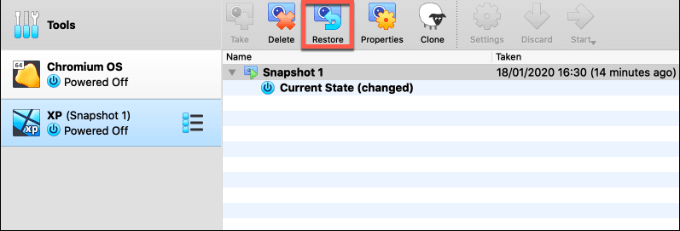

At this point, you can install it in any VM, but specific instructions for VirtualBox on Mac can be found here. Once you’ve installed it, you’ll want to install the VBoxGuestAdditions and set them up to mount your local disks as I described for Windows 10. Be sure to turn on automatic updates! There are over 60 that need to be installed.
Note that at least in VirtualBox, the Windows XP VM is pretty fragile until the guest additions are installed and all the patches are in place. It will crash often, particularly when saving snapshots (luckily it will save them before crashing). These problems seem to go away once everything is patched and as up to date as possible.

The version of Explorer built into XP is so out of date it can’t even access the internet properly, so before you do anything else, you’ll need to download the FireFox installation file from your host system to a shared drive and use that to install it. The latest version you can install is 43.0.1, which you can find here. Once it’s installed, select “Help->About…” and it will update itself to a newer version. Repeat this several times and it will eventually get to 52.9.0, which is the last version that still supports XP.
The free AVG antivirus software still supports XP, and it’s a good idea to install it ASAP.
Virtualbox 32 Bit Win 10
Another very useful program is 7-Zip, as there is no good native unpacker in XP. You can download the 32-bit version here.