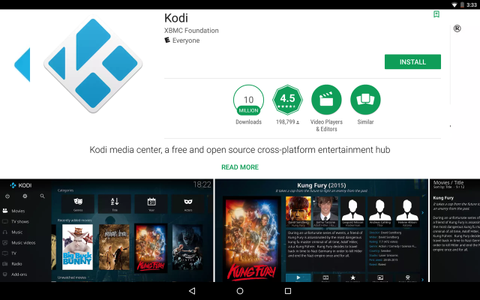
XBMC Hub, the official site for third-party XBMC addons, have released their new ‘Wizard’ installer for Windows, which allows you to instantly configure XBMC with all the best modifications and addons available, with a couple of clicks.
- Xbmc Hub Wizard Download Mac Version
- Xbmc Hub Wizard Download Free
- Xbmc Hub Wizard Download Mac Software
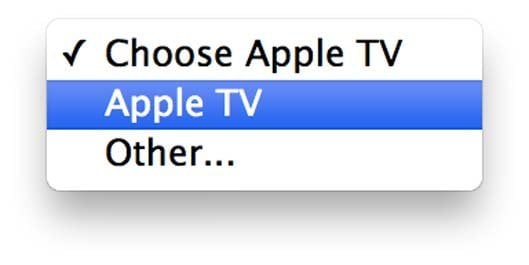
Torent Software Com Free Download For Mac Castle Rock Bouldering Guide Pdf Xbmc Hub Wizard Download Mac Apple Mac Os Mojave Beta Download Gopro Studio Download Mac Free Download Mac Os X 10.8 Full Version Iq Option Download For Mac Csound Download Mac Djay 2 Mac Download Mac Os X 10.6 Snow Leopard Iso Image Download. PART 3 – CONFIGURE XBMC. Step 6: Download (Mac / Windows) and Launch the “XBMCHUB Wizard” software application on your computer. Step 7: Click on the “Choose Apple TV” drop down box on the left side of the window, and select your Apple TV from the list.
- Windows Computer (PC) with XBMC Installed
- XBMCHUB Wizard Application for Windows
- Optional: Disable Antivirus for Troubleshooting
 Step 1
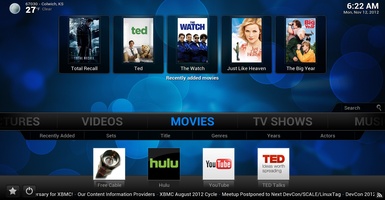 :
 Download and Install the “XBMCHUB Wizard” application by following the on screen setup prompts.
Step 2: Launch the new “XBMCHUB Wizard” application for the first time from the start menu.
Step 3: Click on the “Configure this PC” button at the bottom of the application window.
Step 4: Wait about ten minutes form the configuration process to complete.
Step 5: Once complete, a green checkmark will be displayed in the middle of the application window.
Step 6: That’s it, you can now close the XBMCHUB Wizard and start using XBMC again!
Congratulations! Now even Windows users will be able to enjoy their XBMC experiences to the fullest. Do us a favour, if you enjoyed this application please share it with the world, our goal is for the magic of XBMC to spread far and out. You’ll probably also want to check out ourforums for assistance and our friends at
Xbmc Hub Wizard Download Mac Version