When is Apple releasing Mountain Lion?
Apple plans to release Mountain Lion in Summer 2012. (Strong rumors point to a release in the last week of July.)
Are there any issues with Adobe Connect on Mountain Lion?
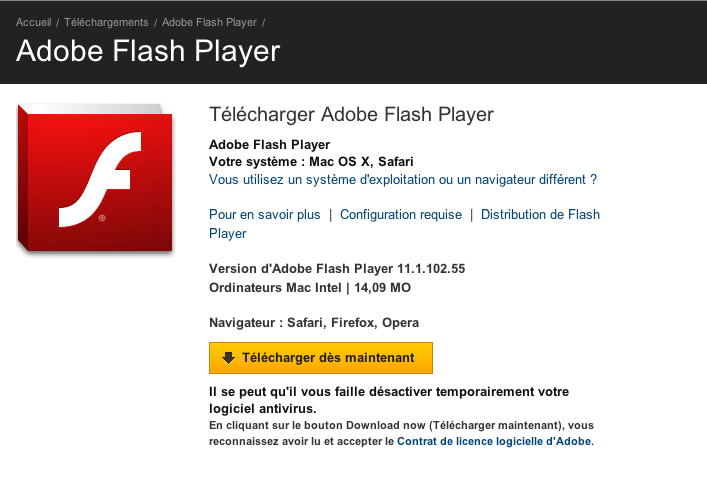
Damaged Installer for Mac OS X Lion - Adobe Support Community - 3687054. Damaged Installer for Mac OS X Lion. I have tried numerous times to install Adobe Flash Player (versions 10.3.183.5 & 11.0.1.152) on Mac OS X Lion. Every time the installer proceeds to approximately 5% completion, then fails with the. May 14, 2021 When does Adobe plan to have this fix available? Adobe expects to fix this issue by late July, which is around the same time as the expected Mountain Lion release date. Is there any issue with the lightning download of the Add-in? There is no issue with the lightning download of the Add-in on Mac OS X 10.8. When does Adobe plan to have this fix available? Adobe expects to fix this issue by late July, which is around the same time as the expected Mountain Lion release date. Is there any issue with the lightning download of the Add-in? There is no issue with the lightning download of the Add-in on Mac OS X 10.8. Free Download Adobe Reader For Mac Os X 10.10.5 Learn more Adobe Reader For Macbook Os X Yosemite Download Windows. Always use the macOS that came with your Mac, or a compatible newer version. Learn how to reinstall macOS from macOS Recovery.
The stand-alone installer for the Adobe Connect Add-in cannot be downloaded on Mountain Lion. This issue only applies to direct downloads of the Adobe Connect Add-in and not the lightning installer.
Why is the download failing?
In Mountain Lion, the default security level has been increased to allow for download of applications from the Mac App Store and identified developers only. Previous versions of Mac OS X could download applications from anywhere.

Is there a workaround?
Change the setting to “Anywhere” before downloading the Add-in Installer, which is found under the 'Security & Privacy System Preferences' panel.
How is Adobe fixing this issue?
Adobe is updating the Add-in Installer with an Apple-approved certificate so that Mac OS X recognizes it as an identified developer.
When does Adobe plan to have this fix available?
Adobe expects to fix this issue by late July, which is around the same time as the expected Mountain Lion release date.
Adobe Flash Player Mac Os X Lion Download Free
Is there any issue with the lightning download of the Add-in?
There is no issue with the lightning download of the Add-in on Mac OS X 10.8.
Some features in many Adobe applications require the Oracle Java Runtime Environment (JRE). In Mac OS 10.7, Java is no longer preinstalled but is an optional installation item.
Uninstall Adobe Flash Mac Os
Current Adobe installers and applications were built before these changes to Mac OS and anticipate that Java is installed. Adobe and Apple worked together to ensure that you can install Java with Mac OS 10.7, or at a later time before you install Adobe applications. (When you start an Adobe application, you are prompted to install Java if it isn't already installed.) In a corporate IT environment, be sure to preinstall Java, or make sure that it can be installed through firewalls or other security software.
If the Java Runtime isn't installed, the following issues can occur in Adobe applications:
Mac Adobe Flash Player Download
- Features are missing or behave improperly
- The software doesn't start
- Prompts to install Java Runtime occur
- Applications hang or quit
For instructions to install the Java Runtime, see How to install the Java Runtime (JRE) | Mac OS 10.7 Lion.