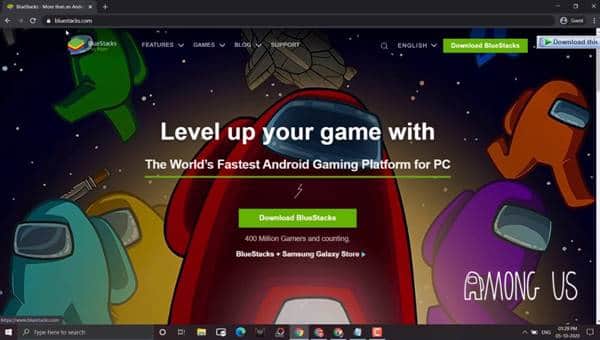
Are you wondering if there’s a way for you to play Among Us on your PC for free? Lucky for you, there’s an easy to do so. All you have to do is to install BlueStacks! Once you’ve installed this emulator, you can play the game on your computer (PC or Mac) without paying for it. This is completely legal and you won’t be violating any rules and laws.
How to Download Among Us on PC Using BlueStacks Updated. On your Windows PC or Mac computer, you will need to download and install the WINDOWS PC APP. Among Us on Gameloop There are two ways that you can download Among Us on Gameloop.
Learn how you can do this by following this guide.
Among Us is NOT free on PC.
Among Us is a paid game for PC and Mac users. If you don’t mind the $-35 price, then go ahead and buy the game on Steam.
- BlueStacks, the group behind the emulator of the same name, has released a video detailing exactly how to get the Android version of Among Us up and running on either a PC or Mac.
- The Steam version of the game is paid. However, the Android version is FREE, so, with BlueStacks, you can play Among Us on PC and Mac for FREE. Why Play on BlueStacks? Aside from enjoying Among Us on PC for free, our platform also offers several other benefits over the Steam version. Play Among Us with Preset Controls.
- Join the crew of a space station as you complete tasks and try to find the imposter amongst you when you download Among Us on PC and Mac FREE.
However, you can also play the game on the go on Android and on iOS. The good thing is, mobile version of Among Us, whether you’re on Android or iOS, is free.
If you like Among Us to be free while playing on your computer, you’re going to need help from a third party application called Bluestacks to make it work.
What is BlueStacks?
BlueStacks is a free program that allows you to run mobile apps on a PC or Mac. This type of program is called an emulator and it is useful in imitating another program, in this case, Among Us, so it runs on your computer.
BlueStacks has ads but they are not as invasive like in other third party free applications. If you’re fine with that, then go ahead and check the exact steps on what you need to do to play Among Us on your PC for free.
How to get and play Among Us on PC for free?
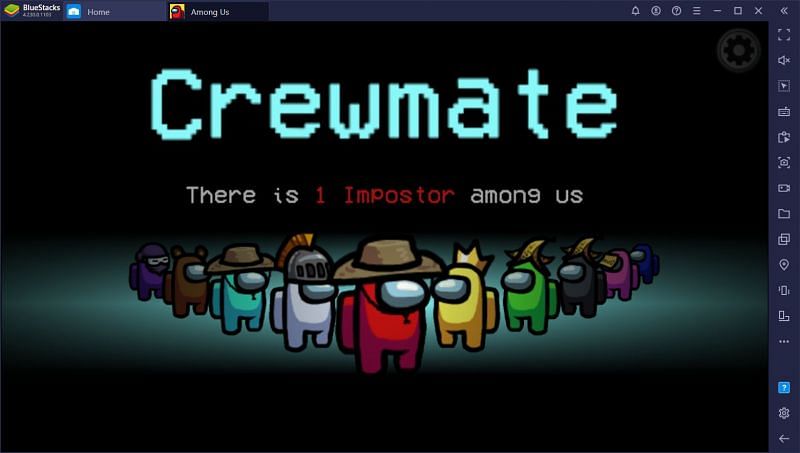
In order to get Among Us on your computer, follow these steps:
How To Download Among Us On Mac Without Bluestacks
- Download BlueStacks from their official website.
- Install BlueStacks.
- After the installation, BlueStacks Emulator will launch automatically.
- Search for “Among Us” in our App Center.
- Click “Install” button to add Among Us.
- If you didn’t sign in to your Google account yet, click on SIGN IN button and enter your credentials.
- Among Us will then be added to your BlueStacks Home Screen.
- To play Among Us, click on the game icon.
Play Among Us with friends.
Among Us is best enjoyed when played with friends. The good thing with this game is that it can be played on both mobile and PC. This means that even if your friends are on mobile, or if they have a paid Steam version, you can still together as a team because of crossplay feature.

How To Get Among Us On Mac Without Bluestacks
Suggested readings:
App Among Us On Mac Without Bluestacks
Visit our TheDroidGuy Youtube Channel for more troubleshooting videos and tutorials.