- Open Source
- In English
- Scanned
- 3.67
- (2.93 K Downloads)
- Download RPCS3 for Windows PC from FileHorse. 100% Safe and Secure Free Download (32-bit/64-bit) Latest Version 2019. The necessary requirements to run the RPCS3 Emulator on your PC are, the first one is a system with operating system Windows 7 64-bit or higher or Linux 64-bit OS.
- ZSNES 1.51 on 32-bit and 64-bit PCs. This download is licensed as freeware for the Windows (32-bit and 64-bit) operating system on a laptop or desktop PC from console emulators without restrictions. ZSNES 1.51 is available to all software users as a free download for Windows. We have tested ZSNES 1.51 against malware with several different.
- OS: Windows 7 64 bit / Windows 8 64 bit / Windows 10 64 bit Processor: Intel Quad Core i7 3770K or AMD Ryzen 7 1600X Memory: 8 GB RAM Graphics: nVidia GeForce GTX 780 Ti/970 (High settings) and 1070 (Ultra settings) or AMD R9 290/AMD RX480 (High settings).

(32-bit versions should work on 64-bit computers though) No, the 32 bit version of rpcs3 was called rpcs3-x86.exe and the 64-bit version is called rpcs3-x64.exe. Also the 32-bit version, that was dropped several months ago btw, will not work on any system, it was broken to begin with.
Entertainment is an essential part of your life; every individual has their way of keeping themselves entertained. Gaming is one of the most popular activities that people do in their spare time. Gaming is a fun activity that improves your reflexes, multitasking, critical thinking, and many more. Magnavox designed the Odyssey. In September 1972, it was published in North America. It is the first home console with video games. Ralph Baer, a German-American engineer, designed the device and created the Odyssey, which has similar gameplay to Ping Pong. There are many gaming consoles available which you can use and play various games on it. PlayStation 3(PS3) is one of the most popular gaming consoles. Since the newer version of PlayStation has arrived, the product of PS3 has stopped. However, if you still like to play PS3 games and enjoy playing your favorite PS3 games on your PC/Laptop, you can download RPCS3 on your computer system. This software provides you a platform where you can play PS3 games on your PC/Laptop.
RPCS3 is a product of the RPCS3 Team; this software provides you a platform that allows you to play your favorite PS3 games effortlessly. This software is an emulator and debugger for the Sony PlayStation 3, a free and open-source video game development. The emulator currently runs on Windows, Linux, and FreeBSD’s operating system, enabling the playback and debugging of PlayStation 3 games and applications on a personal computer. This programming language is designed for X86-64 CPUs in the C++ programming language and is the back-end to both OpenGL and Vulkan. This software is straightforward to use, which is compatible with many PS3 games. The project aims to explore, research, and educate on PlayStation 3 emulation on compatible computers and operating systems. The buying of PlayStation 3 hardware and software included all the details legally. Different Internet outlets, which not only provide system hardware and software documents, have provided other information.
Features of RPCS3
- Beneficial- This software is useful as it provides a platform to play your favorite PS3 games on your PC/Laptop effortlessly.
- Compatible- This emulator for PlayStation 3 allows you to play your favorite games effortlessly. This software support almost all PS3 games.
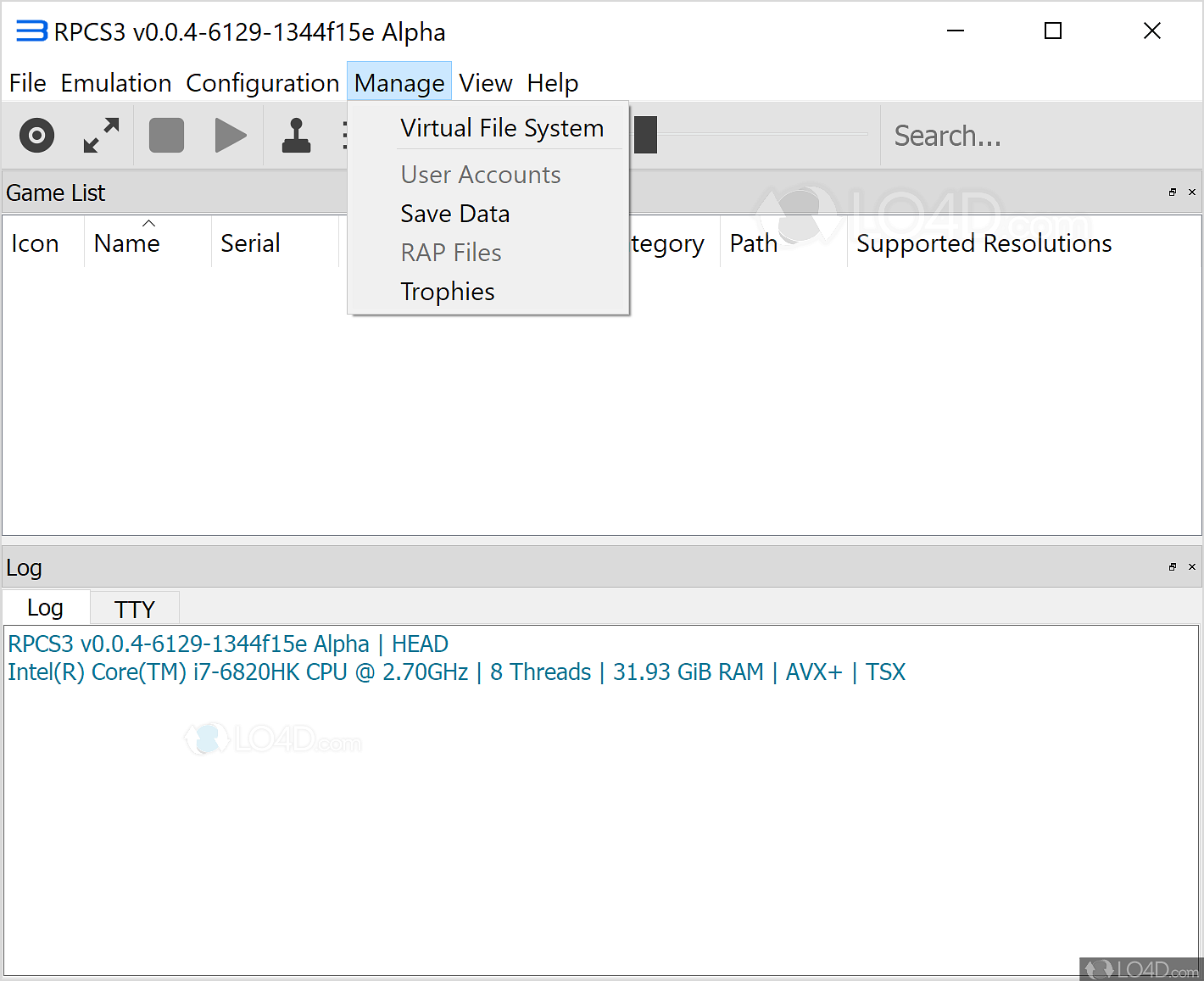
- Simple GUI- This software provides a simple user-interface, making it very easy to use this software and manage your games.
- Easy to download & install- This software is straightforward to download and install. It takes only a few minutes to complete the installation process.
How to download RPCS3 on Windows?
- 1- Just click on the download button and select a location to download the file.
- 2- After the download finishes, open the RPCS3 folder and extract its content.
- 3- Now open the RPCS3 folder and double click on the RPCS3 setup file.
- 4- Now an installation window appears, now agree to the License Agreement and select an installation location.
- 5- It will take a few minutes to install RPCS3; click on the Finish button after installation.
Pros
- This software provides you a platform to enjoy playing PS3 games on your PC/LAptop.
- This software is compatible with many PS3 games.
- This software is easy to download, install, and use.
Cons
- This software does not support some PS3 games.
App Name: RPCS3
License: Open Source
OS: Windows 7 / Windows 7 64 / Windows 8 / Windows 8 64 / Windows 10 / Windows 10 64
Latest Update: 2021-01-06
Developer: RPCS3 Team
User Rating: 3.67
Windows 7 Free Download
Category: Desktop Enhancements