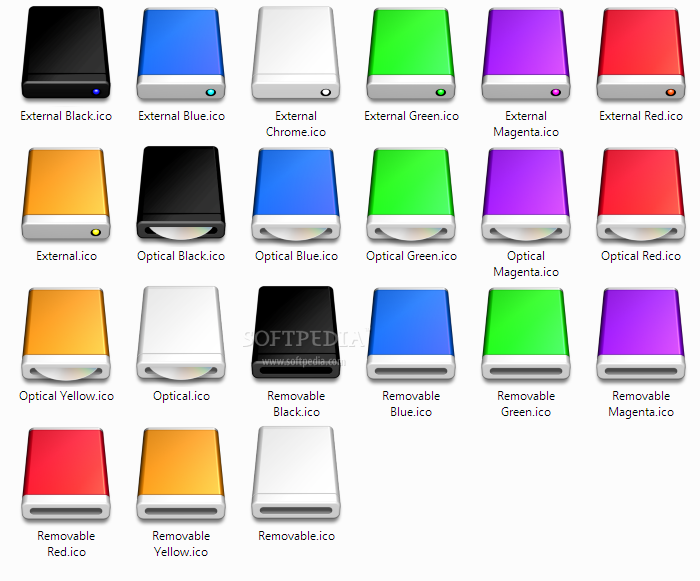
Get free icons of Bin in iOS, Material, Windows and other design styles for web, mobile, and graphic design projects. The free images are pixel perfect to fit your design and available in both png and vector. Download icons in all formats or edit them for your designs. Trash mac Icons - Download 848 Free Trash mac icons @ IconArchive. Search more than 600,000 icons for Web & Desktop here. Icon pattern Create icon patterns for your wallpapers or social networks. Icons for Slides & Docs +2.5 million of free customizable icons for your Slides, Docs and Sheets. The taskbar icons are really small, you may want to make them appear larger. To resize taskbar icon size in Windows 10, here's how: Step 1: Right-click on an empty space in the taskbar, and select Taskbar Settings. Step 2: In the Settings, turn on Use small icons button. To change taskbar icon size in. Get free icons of Mac os in iOS, Material, Windows and other design styles for web, mobile, and graphic design projects. The free images are pixel perfect to fit your design and available in both png and vector. Download icons in all formats or edit them for your designs.
Bin Icons For Mac Os
Browse, customize, and use more than 1,000 icons. 222 snow-style System replacement icons. Converts images of any format into Mac OS X or Windows icons. Prize winning icon package. Use multiple icon sizes in a Finder window or Desktop. Randomly selected emoji slowly drop down from the top of the screen.
- Download over 550 icons of mac in SVG, PSD, PNG, EPS format or as webfonts. Flaticon, the largest database of free vector icons.
- With over 3,100 symbols, SF Symbols is a library of iconography designed to integrate seamlessly with San Francisco, the system font for Apple platforms.
- Download icons in all formats or edit them for your designs. Trash mac Icons - Download 848 Free Trash mac icons @ IconArchive. Search more than 600,000 icons for Web & Desktop here. Icon pattern Create icon patterns for your wallpapers or social networks. Icons for Slides & Docs +2.5 million of free customizable icons for your Slides, Docs.
In case you are puzzled to find a particular App or certain Apps missing from the Launchpad on your Mac, you will be pleased to know that most problems with the Launchpad on your Mac can be fixed by resetting the Launchpad.
The Launchpad On Mac
The Launchpad on your Mac is intended to provide an iOS like environment, making it easy to see, access and manage all the Apps on your Mac in one convenient location.
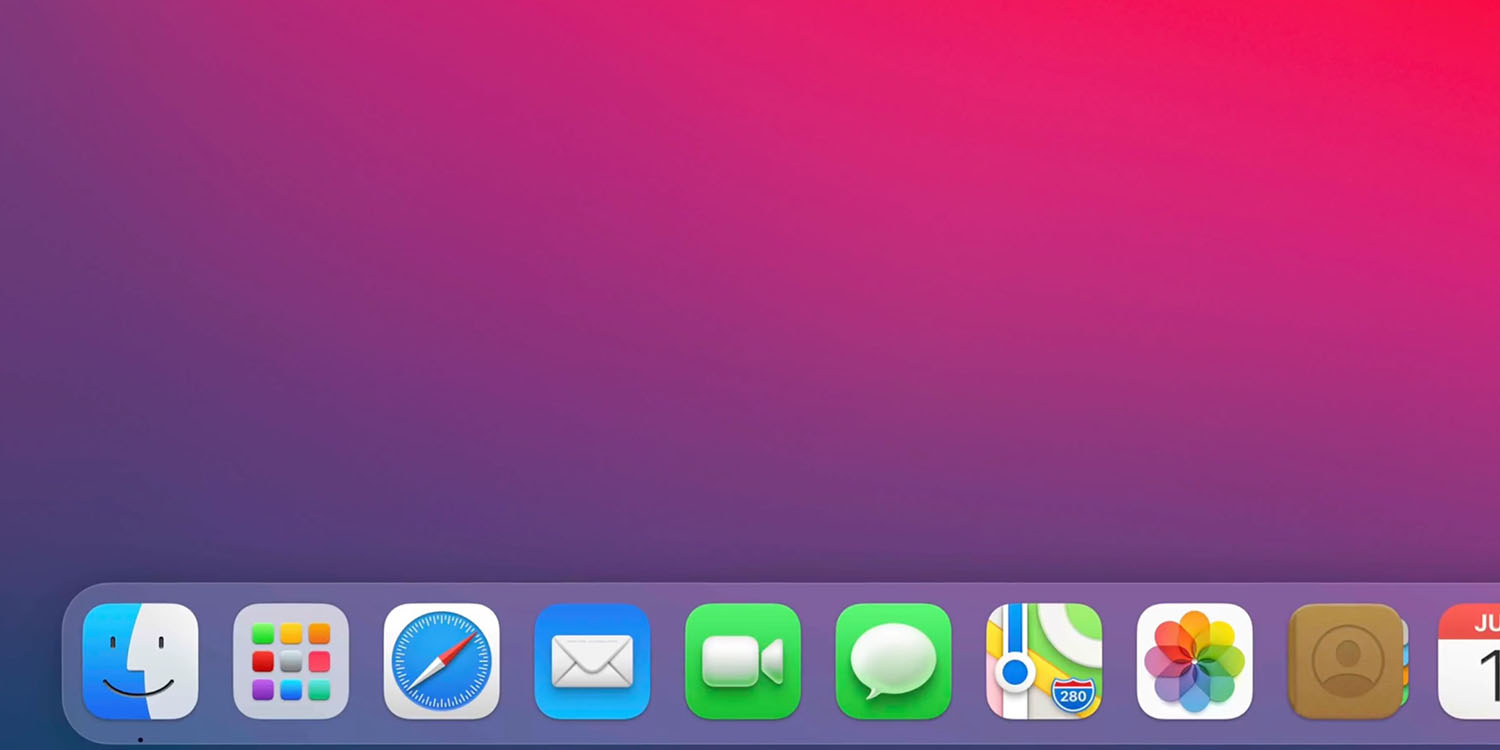
Just like an iPhone, the Mac Launchpad displays a screen full of neatly arranged App icons. In case there are more Apps, the Launchpad creates another page of icons that can be easily accessed by swiping on your Trackpad or by clicking on the page indicators at bottom of the Launchpad.
As you must have noticed, the Launchpad never appears sluggish, lags or drags in any way. Every time you click on the Launchpad, it instantly displays App icons, that too in high resolution graphics. This lightning speed of Launchpad is made possible by the cleaver manner in which the Launchpad is programmed in MacOS.
The Launchpad maintains its own dedicated database which includes the App icons, information about where the Apps are located in the file system, where the Apps need to be displayed and other related information. This allows the Launchpad to display App icons with lighting speed, which would not be possible if the Launchpad was programmed to build thumbnails for App icons, each time it was launched.
Telestream for mac. Sometimes the Launchpad on Mac is known to suffer from minor failures like Deleted Apps appearing in Launchpad, Apps not appearing in the Launchpad or Apps missing from the Launchpad. Luckily, all such programs can be easily fixed by resetting the Launchpad.
Bin Icons For Mac Os
Recover Apps Missing From Launchpad On Mac
Since, the Launchpad relies on its database to store all the information needed for it to perform, most Launchpad related problems can be fixed by forcing the Launchpad to rebuild its internal database.
This can be done by deleting the Launchpad Database and then restarting the Launchpad. When the Launchpad is unable to find its Database, it scans for the Apps on your Mac, grabs their icons, and rebuilds its internal Database File.
1. Left-click your mouse anywhere on the screen of your Mac. This will reveal the Go Option in the top menu bar of your Mac.
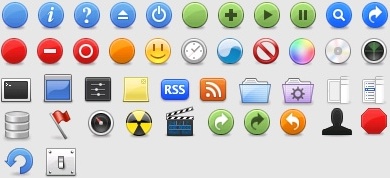
2. Next, click on the Go option in the top menu-bar of your Mac.
3. While you are still on the Go option, press and hold the Option key on your Mac and then click on the Library option that appears when you press down the Option Key.
Note: Press the Alt Key in case you are using a Windows keyboard with your Mac
4. On the Library window, open the Application Support Folder by double-clicking on it.
5. Next, open the Dock Folder by double-clicking on it.
6. Inside the Dock Folder, you will see files ending with .db, simply move all the files ending in .db into the trash-bin (See image below).
7. Next, Click on the Apple icon located in the top menu bar and then click on the Restart… option.

8. You will see a pop-up, click on Restart again.
Icons For Mac Download
Once your Mac restarts, you should be able to see the missing App icons back in the Launchpad.
With over 3,100 symbols, SF Symbols is a library of iconography designed to integrate seamlessly with San Francisco, the system font for Apple platforms. Symbols come in nine weights and three scales, and automatically align with text labels. They can be exported and edited in vector graphics editing tools to create custom symbols with shared design characteristics and accessibility features. SF Symbols 3 features over 600 new symbols, enhanced color customization, a new inspector, and improved support for custom symbols.
600+ new symbols
SF Symbols 3 features over 600 new symbols, including representations of devices, game controllers, health, communication, objects, and tools. New localized symbols include variants across Arabic, Chinese, Devanagari, Hebrew, Japanese, Korean, Latin, and Thai. These new symbols are available in apps running iOS 15,iPadOS 15,macOS Monterey Beta,tvOS 15, and watchOS 8.
Enhanced color customization
New rendering modes provide greater control over how color is applied to symbols. Hierarchical rendering adds depth and emphasis to symbols using a single tint color with multiple levels of opacity. Palette rendering allows symbols to be customized with multiple contrasting colors. And Multicolor rendering provides intrinsic color across hundreds of symbols.
Configure, preview, copy, paste
Mac Download Folder
The new inspector offers controls for rendering and color configuration. Symbols can be previewed using adaptive Apple platform colors and custom colors on Light and Dark backgrounds. And symbols can now be copied as images with color annotations and pasted in design tools.
Improved support for custom symbols
Mac Os Icons
Custom symbols can now be imported, organized, and annotated with layers to support Hierarchical, Palette, and Multicolor rendering. The new template in version 3 makes creating symbol variants faster and easier, requiring only three source drawings to produce all 27 weight and scale variants.
Mac Download Icons Copy
Download SF Symbols 3
SF Symbols 3
Requires macOS Catalina or later.